
Azure Os Disks, Data Disks and Temp Disks
- Basic overview

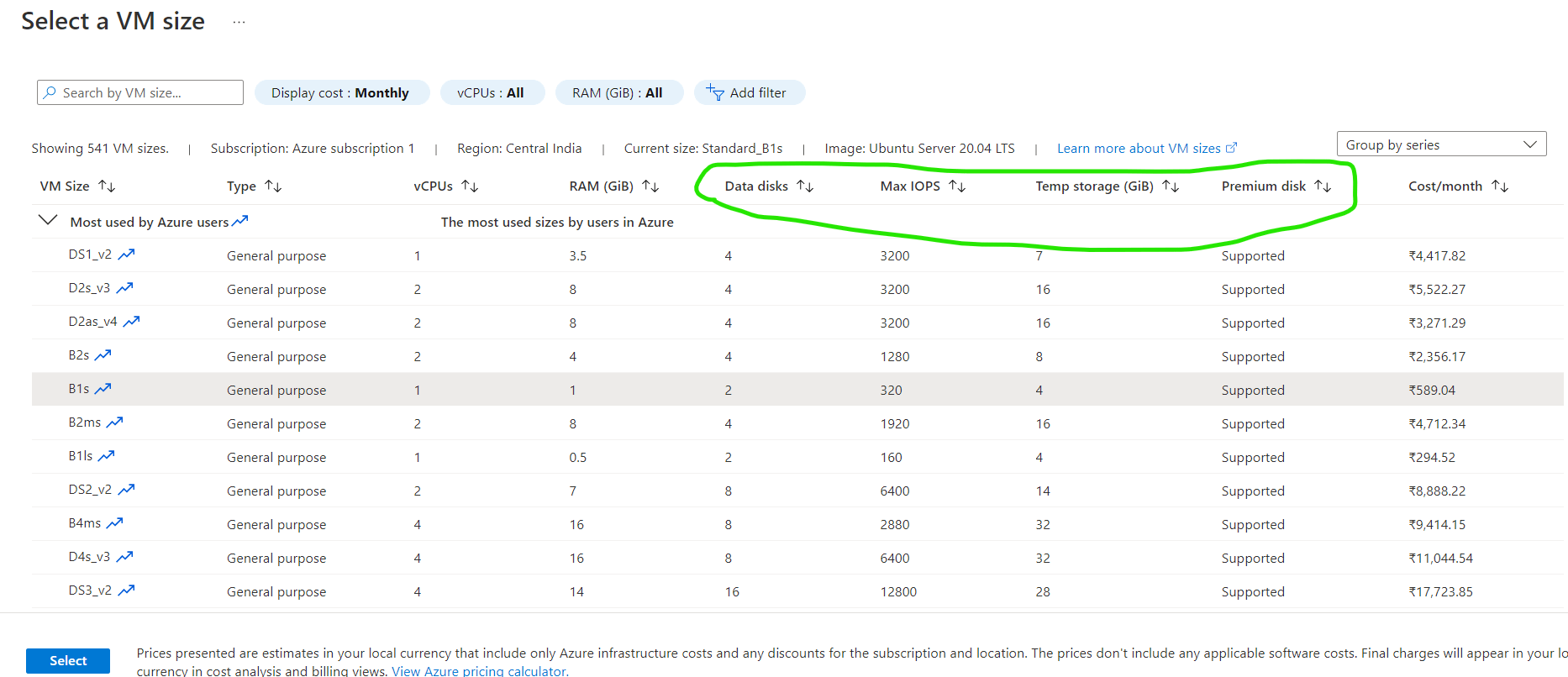
- The Temp Disk size and Number of data disks depends on VM size chosen
- Os Disk Types:


- Experiment 1: Create some data in data disk and temp disk. Stop the vm, wait for the stopped state and start the vm
- We undestand that the data in temp disk is removed after stopping and starting the vm, but the data in os disk/data disk will be preserved.
- So for running vm we will have two costs
- Cost of the VM
- Cost of the disk storage (os disk + data disk)
- Cost of the VM will not be applied if the vm is not running (Stopped/deallocated state), disk storage costs continue.
- To Create OS Disks or Data Disks in Azure we have two Options
- Managed Disks
- Un Managed Disks => Disk from the Storage Account.
- Disk Types (by hardware type) Supported by Azure
- HDD (Hard disk drive)
- SSD (Solid State Drive)
- The important factors of disks are
- Size
- Speed:
- This is measure in IOPS (Input/Output Operations per second)


