
Azure SQL with Powershell Contd..
- Steps for creating a azure sql server in azure
- Create a resource group
- Create a azure sql server
- Create a firewall rule to allow traffic
- Create a single database
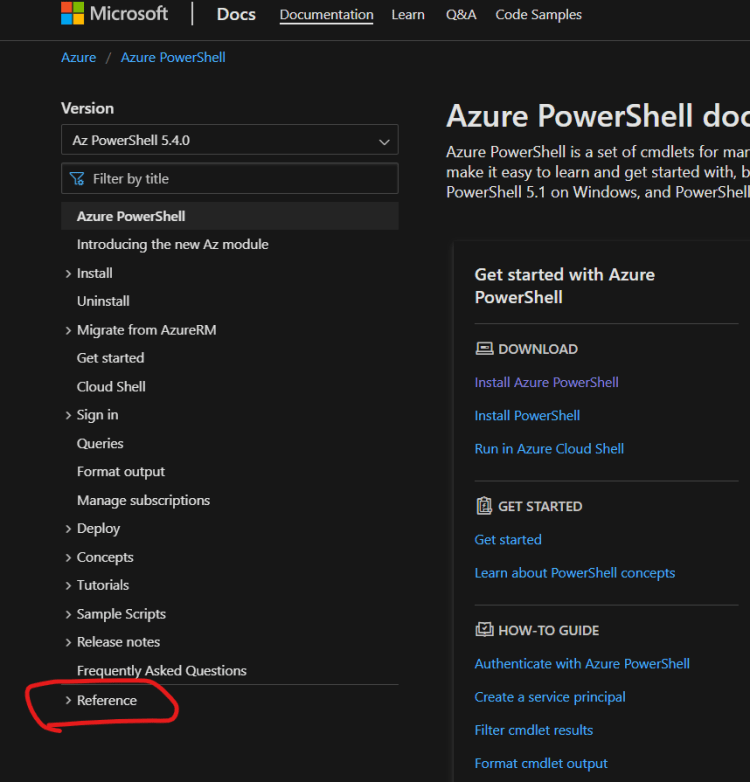
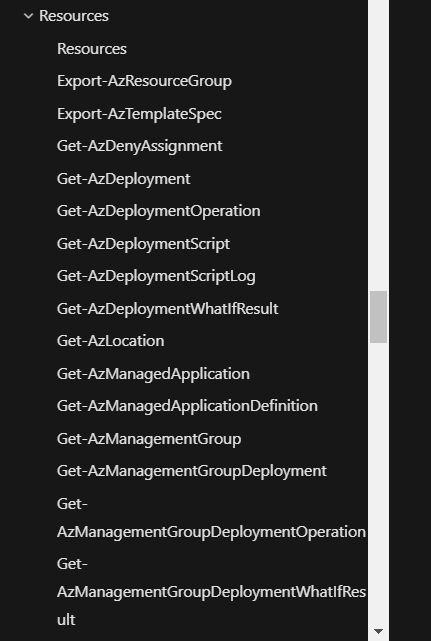
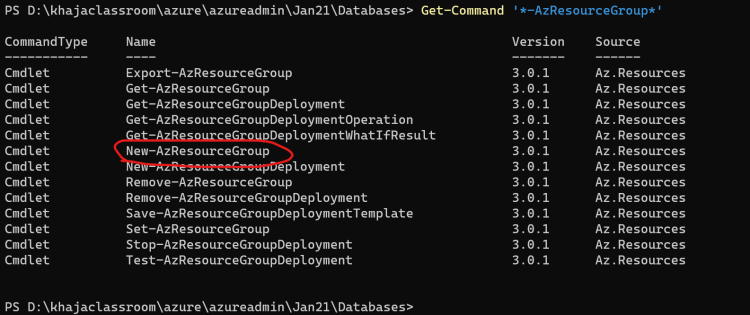
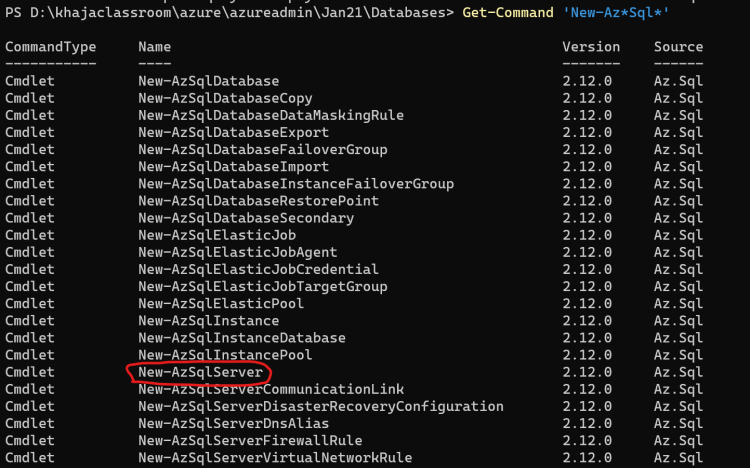
- Finding Cmdlets in Azure
- Navigate to azure powershell docs Refer Here
- Using Cmd-line help

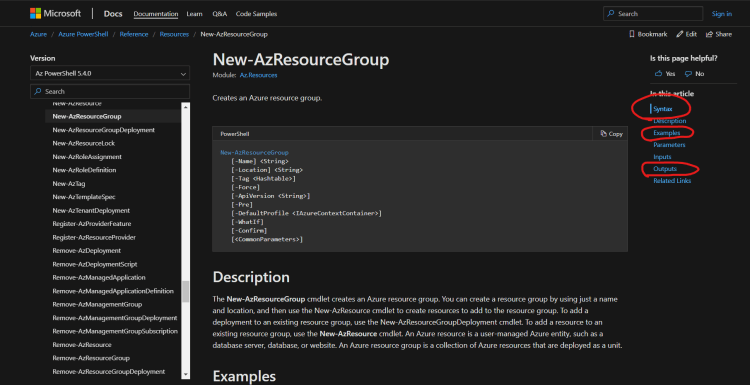
- Navigate to azure powershell docs Refer Here
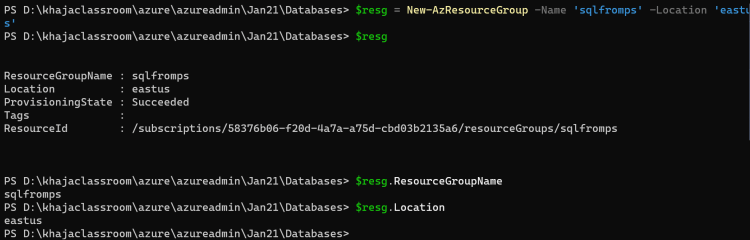
- Creating a resource group
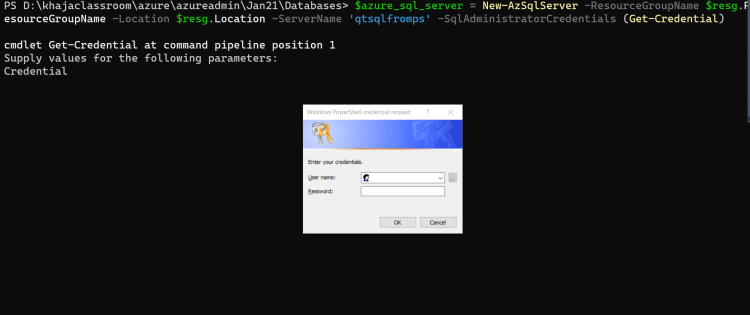
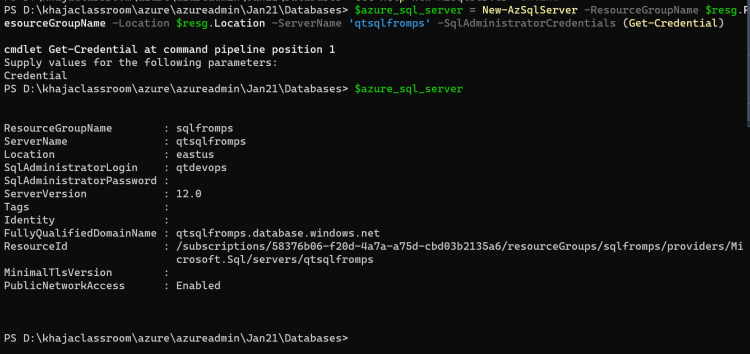
- Create a server
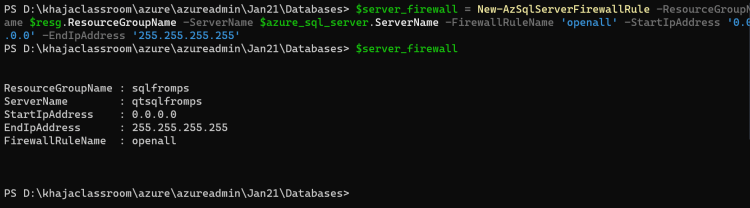
- Create a firewall rule to open all ip adresss (0.0.0.0-255.255.255.255)
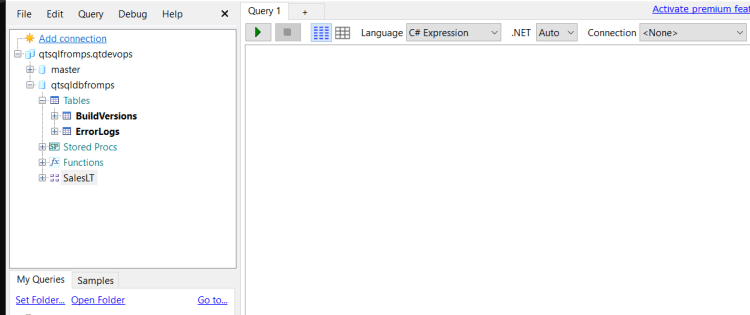
- Now try connecting the database using sql server endpoint Refer Here for the changeset
Azure Database for MySQL
- Azure Database for MYSQL is a PAAS platform offered by microsoft for running mysql instances
- mysql can be created in Azure in the following ways
- Azure Database for MySQL: This is the PAAS option
- There are two options
- Single Server
- Flexible Server (Preview)
- There are two options
- MySQL on Azure VMS: This is IAAS option
- Azure Database for MySQL: This is the PAAS option
Azure Database for Postgres
- Azure Database for Postgres is a PAAS platform offered by microsoft for running Postgres instances
- Postgres can be created in Azure in the following ways
- Azure Database for PostgreSQL: This the PAAS option
- There are three options
- Single Server
- Flexible Server
- Hyperscale (Citus)
- There are three options
- PostgreSQL on Azure VMs: This is the IAAS
- Azure Database for PostgreSQL: This the PAAS option
- Creating an Azure Database for Postgres
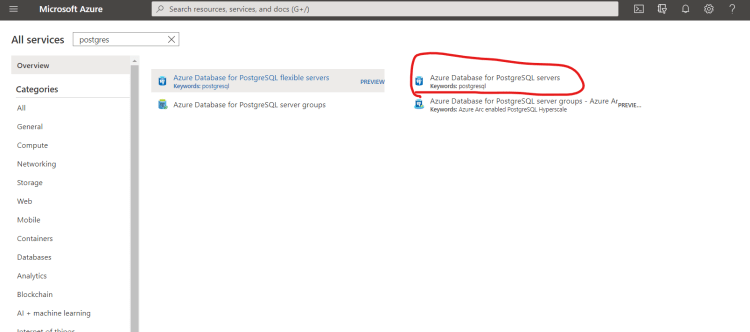
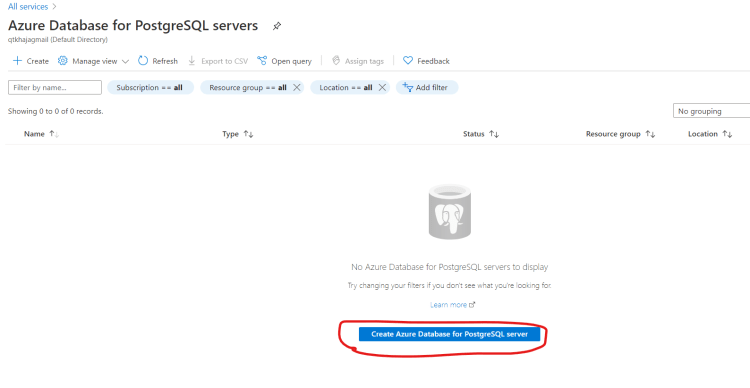
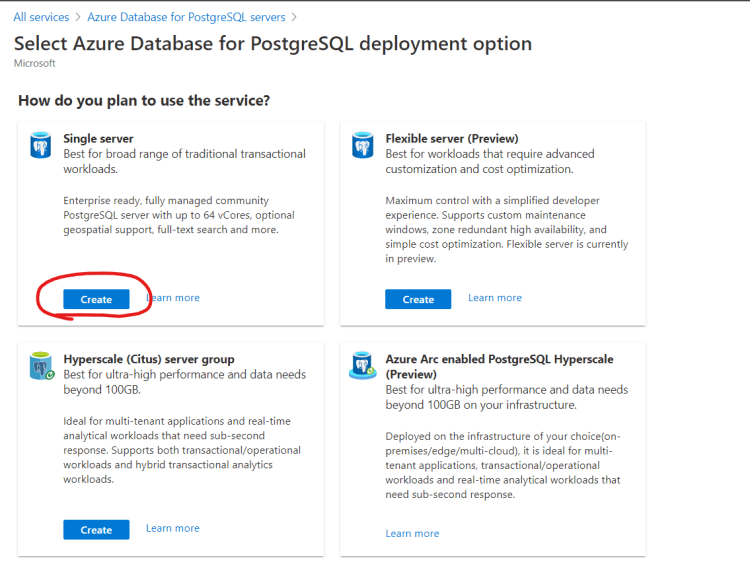
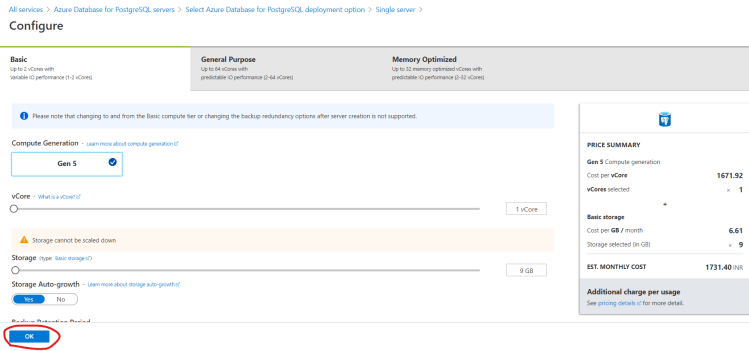
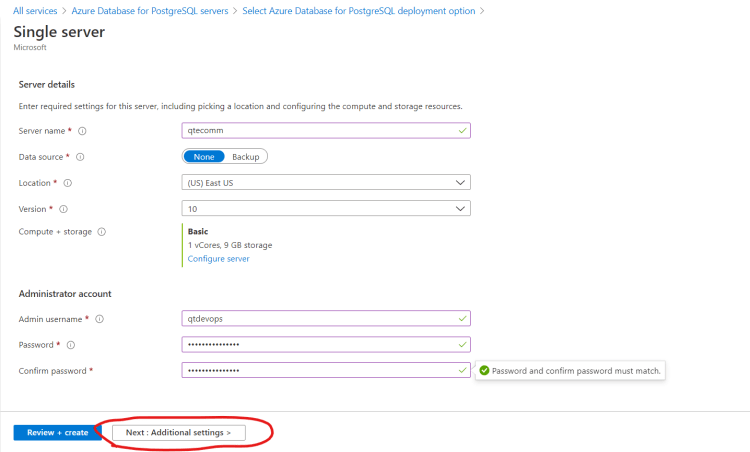
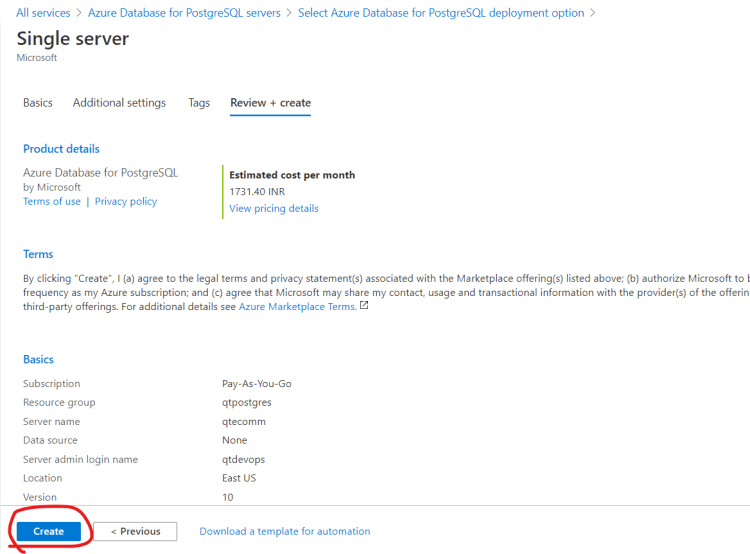
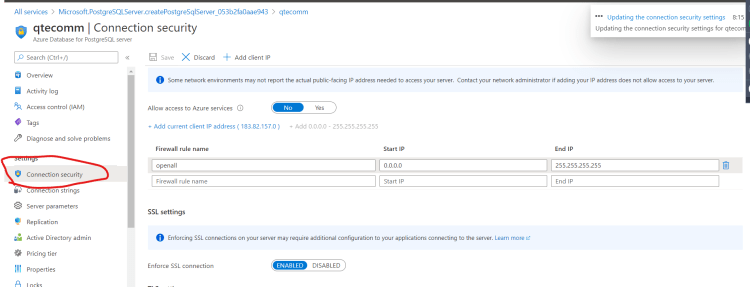
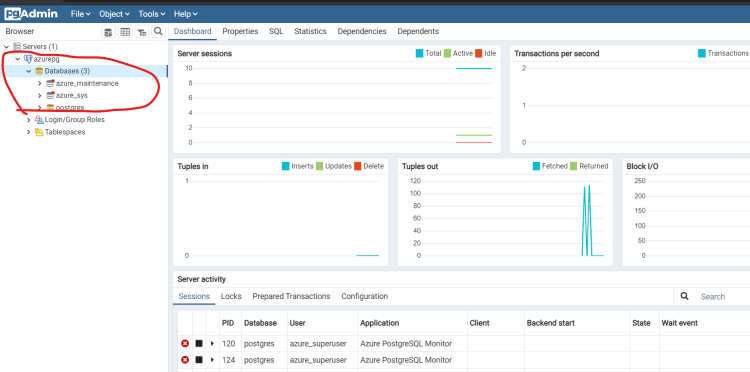
- To enable private connectivity with Azure Database for PostgreSQL Refer Here
Azure Synapse Analytics
- This is integrated analytics service that acceraltes time to insight across
- Datawarehouses
- Big Data Systems
- Synapse brings together best of SQL technologies used in data warehousing and Spark technologies for bigdata.
- Synapse SQL is a distributed query system that enables enterprises to implement data warehousing using standard t-sql experience
- Refer Here for creating and managing Azure Synapse analytics


