
Overview
- Azure Migrate Service is collection of all the necessary tools at one place to migrate your servers & databases
- It had different versions.
- Azure Documentation Reference
Advantages
- Resource & Cost estimations can be done prior to migration.
Basic Requirements
- Network:
- Hosts should be connected to Internet
- If Host is not connected to Internet, Express-Route enabled.
- Supported List:
- Move only supported list of OS’s & kernel versions
- Speak with ISV(Third Parties)
Post Migration issues
- Be careful with local DNS & DHCP configurations
- Local hosts (C:\Windows\system32\drivers\etc\hosts in windows, /etc/hosts) configurations cross check before & post migration
Basic Migration Workflow
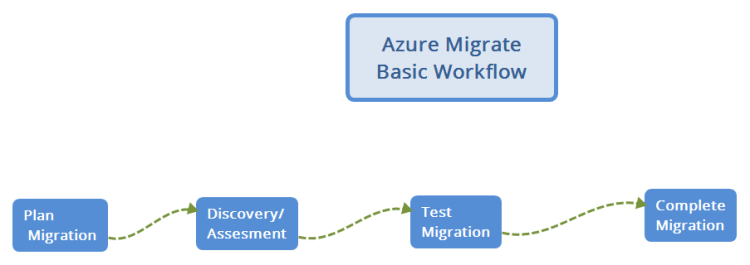
Important Document Page
- Bookmark this https://docs.microsoft.com/en-us/azure/migrate/
Scenarios we will try
Server Migrations
- HyperV to Microsoft Azure (Can be done by all of us bcoz we have lab env)
- VmWare to Microsoft Azure (No lab environment)
- Physical Server/Cloud Server to Microsoft Azure (Can be done by all of us)
Database Migrations
- Microsoft SQL Server to Azure SQL (Can be done by all of us)


