
Git Continued
- Lets understand the basic process of Version Control with git.
- Create a directory and some files and directories into it
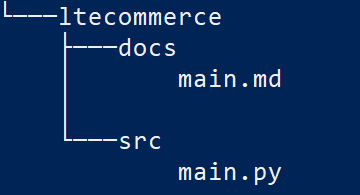
- We need to add version control capabilities to this directory. In Git if we need a version control, we need to have a repository.
- So to make this directory structure a repository (local repository) we need to initialize using
git init
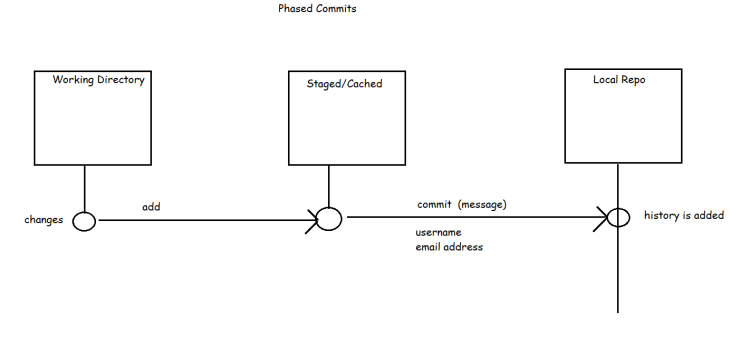
- Lets add the changes from working tree to staging area by using add comand
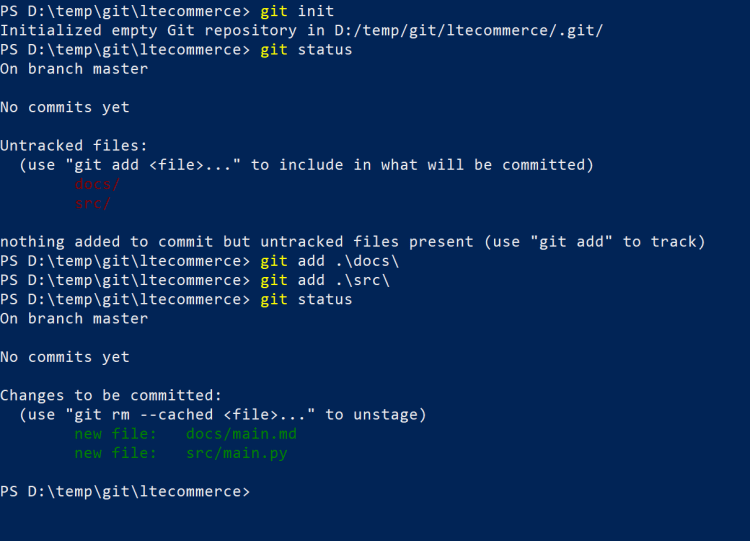
- Since commit requires username and email lets try to configure the username and email (This is one time activity)
git config --global user.name 'qtdevops'
git config --global user.email 'qtdevops@gmail.com'
- Now lets commit the changes from staged area to local repository
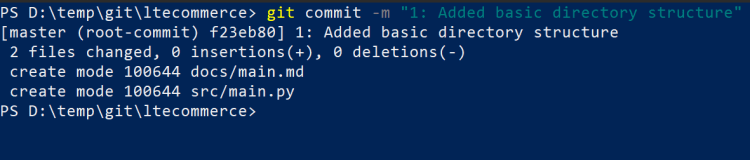
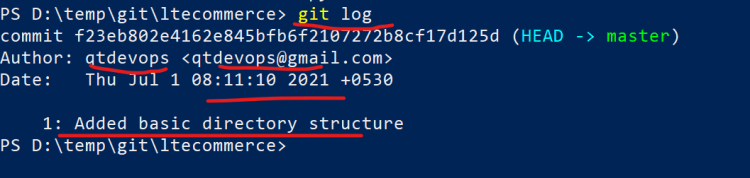
- The above process can be summarized as shown below
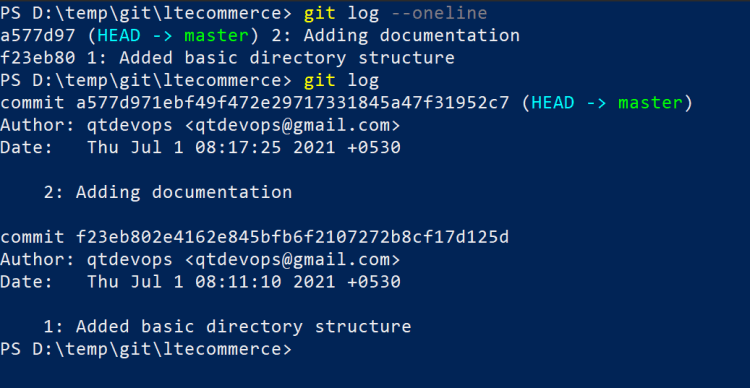
- Lets add some more changes as second commit
- Quick commands to explore
- git init
- git status
- git add
- git commit
- git log


