
Git Continued
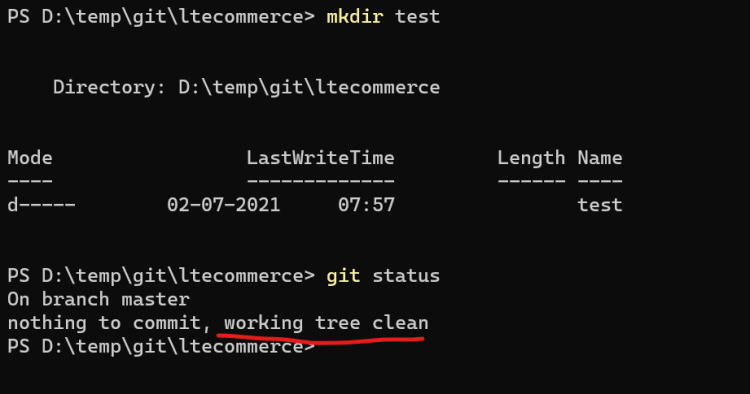
- Lets create a new folder in the working tree/directory
- note: To install and configure Windows Terminal Refer Here
- Git will not detect empty folders as changes because git works with files and paths of files
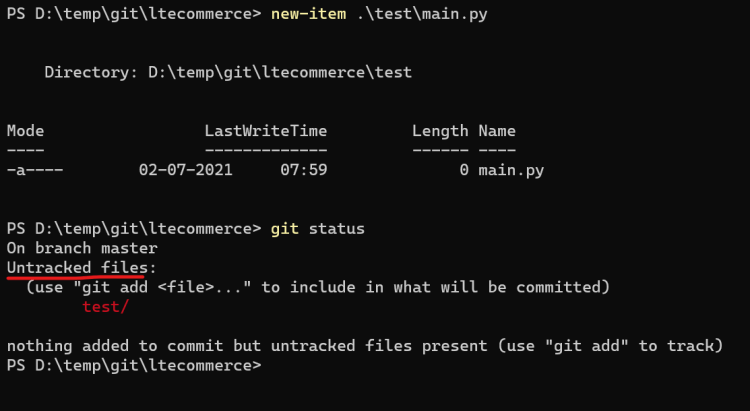
- Lets add some file in the empty directory
- Now lets make some changes in existing files
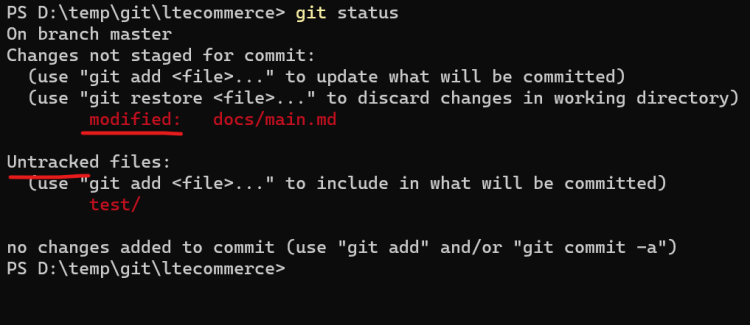
- Untracked files are the newly added files which are not part of git local repository and modified are the changes done the the existing files which are part of git local repository
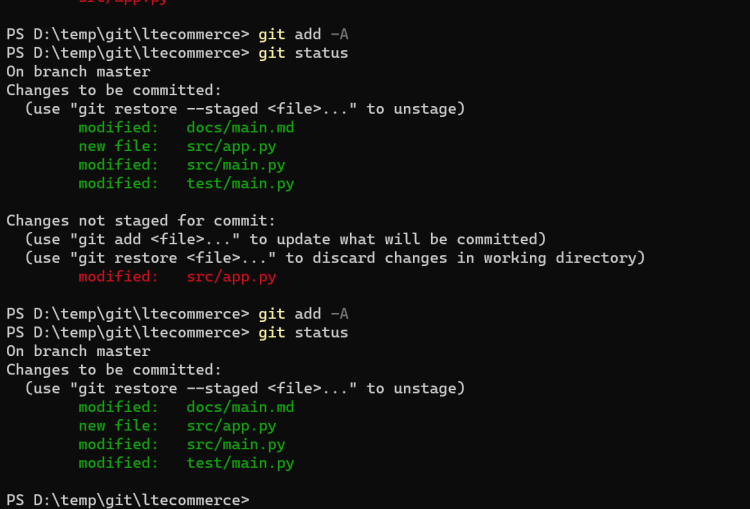
- Now lets add all the changes to the staging area
git add -A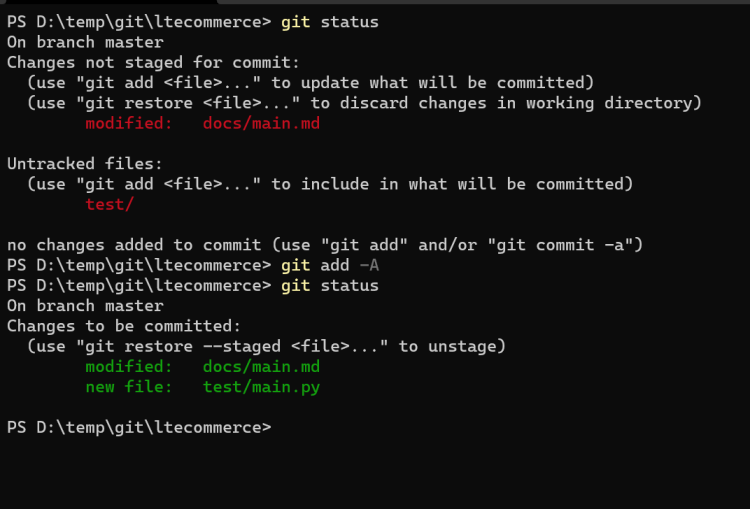
- Adding changes to staging area
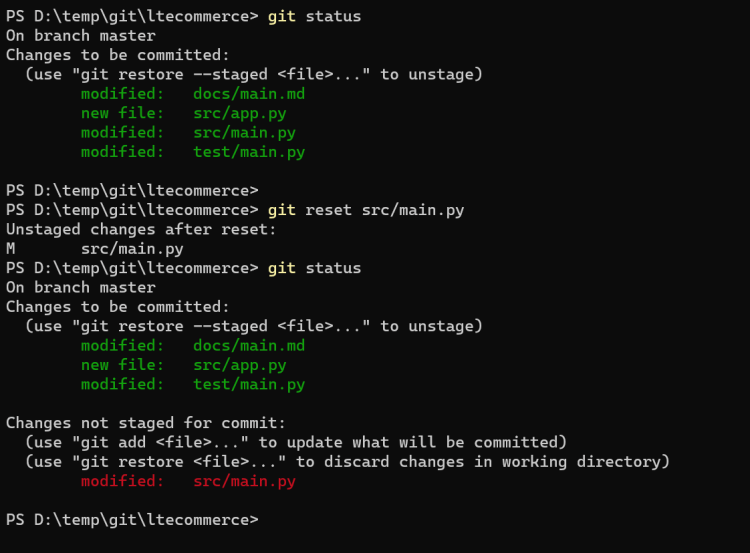
- Changes can removed from staging area by using reset command. Lets remove the changes from some file in the staging area
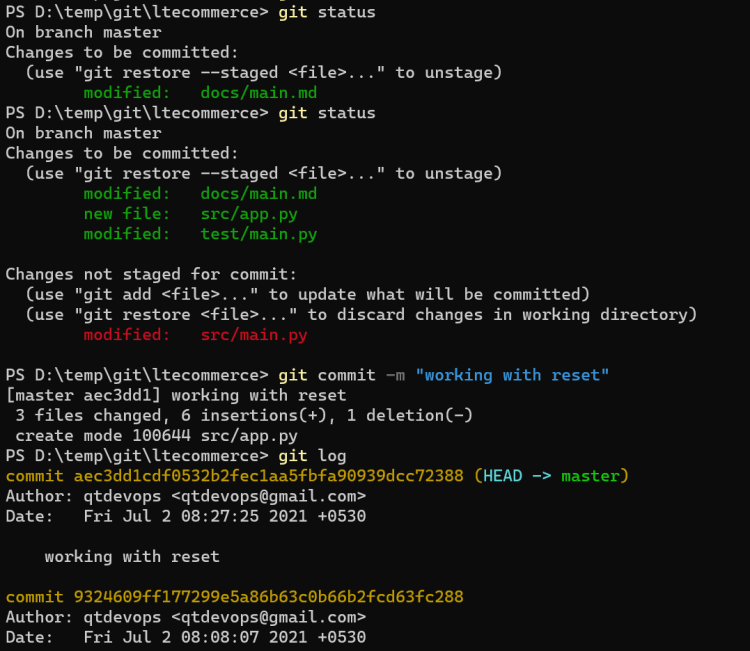
- Now commit the remaining changes in the staging area
- git restore can be used to remove the modified changes from the working directory
- Lets add 3 new files and add them to staging area.
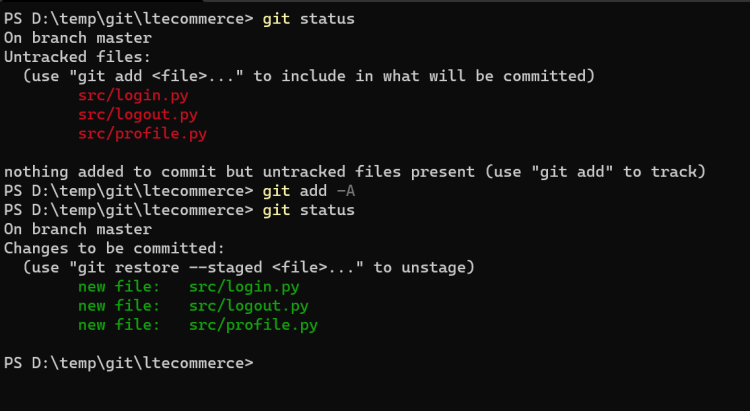
- Now add one change in existing file and add it to staging area
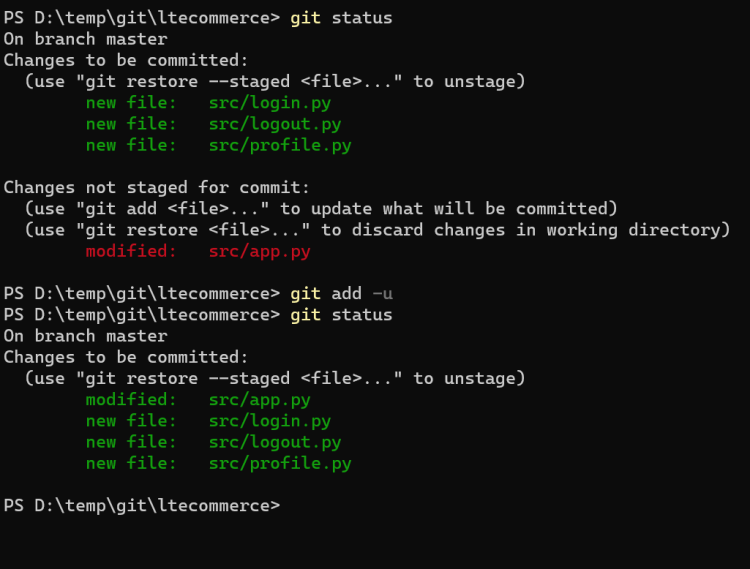
- git reset –hard can be used to move the changes from staging area to working tree and clean the working tree as if no changes have been done.
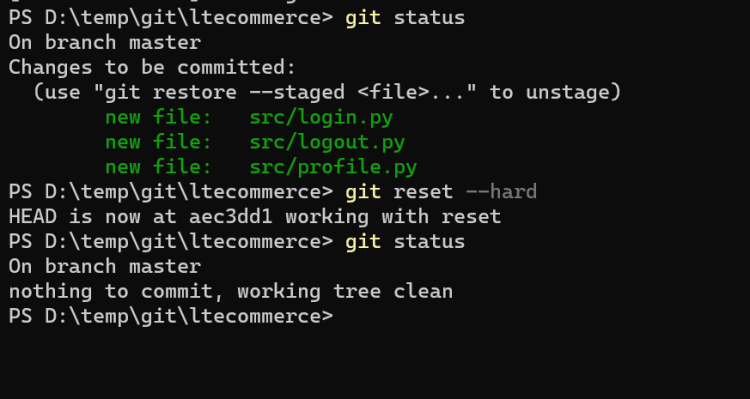
- In git there is one more command called
git reset --softfind out what is does?


