
AWS Elastic File System
- EFS provides simple, elastic file system for use with Cloud Services and on-premises solutions
- EFS supports NFS version 4 protocol.
- With EFS you pay only for the storage used by your file system
- Create an EFS in a region with selected zones
- EFS is a network file system, so while creating efs, We need to provide the subnet ids and security group


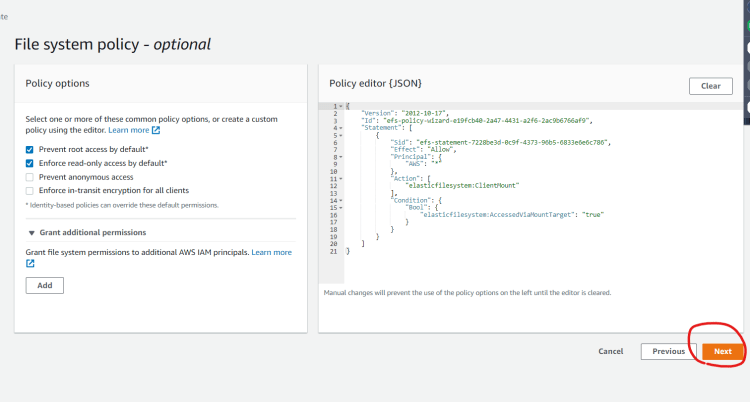


- Now create two ec2 instances and mount the efs on to the linux instances
- Refer Here to understand mounting steps on linux or Mac instances
- Installing efs-utils Refer Here
Exercise
- Create an EFS in any region of your choice
- Choose VPC
- Create a Security group to open all communication with in your network range
- Create an EFS and use the Security Group created above
- Create Linux ec2 instance in the the vpc and mount the efs using efs-utils or nfs (Try to use DNS based mount)
Next Steps
- Block Storage
- Backup Solutions


