Understanding Infrastructure as a Service Application Deployments
- As a Sample, Lets create
- a .net based environment for deploying applications
- a java based tomcat environment for deploying applications
- Lets configure .net based environment
- Create a Windows VM in Azure
Creating a Windows VM (.net application deployment environment IaaS)
- For documentation on how to create windows vm Refer Here
- Create a resource group and then create a windows vm
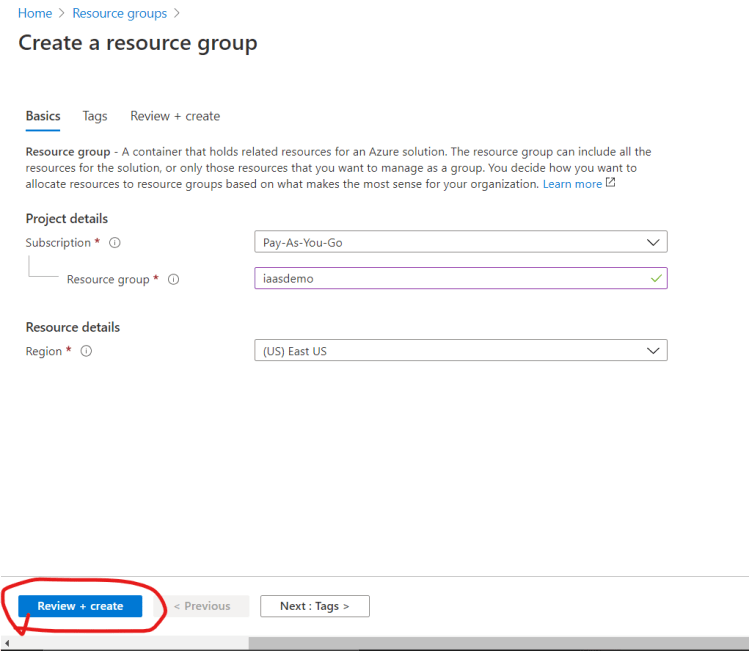
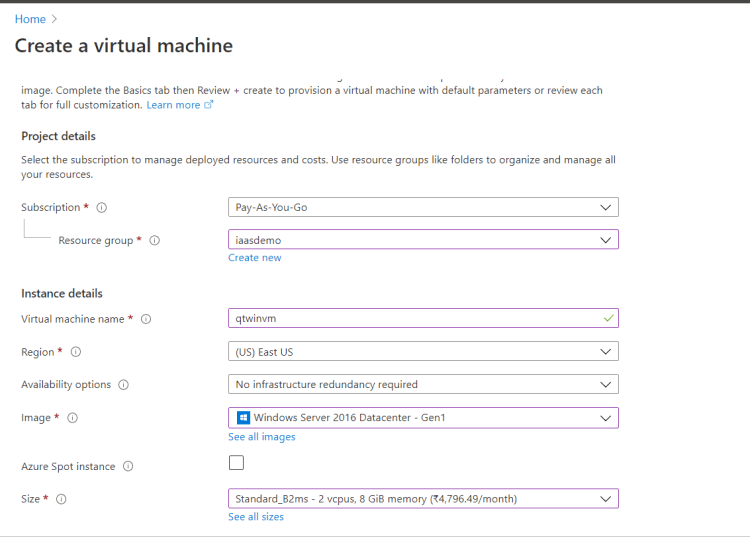
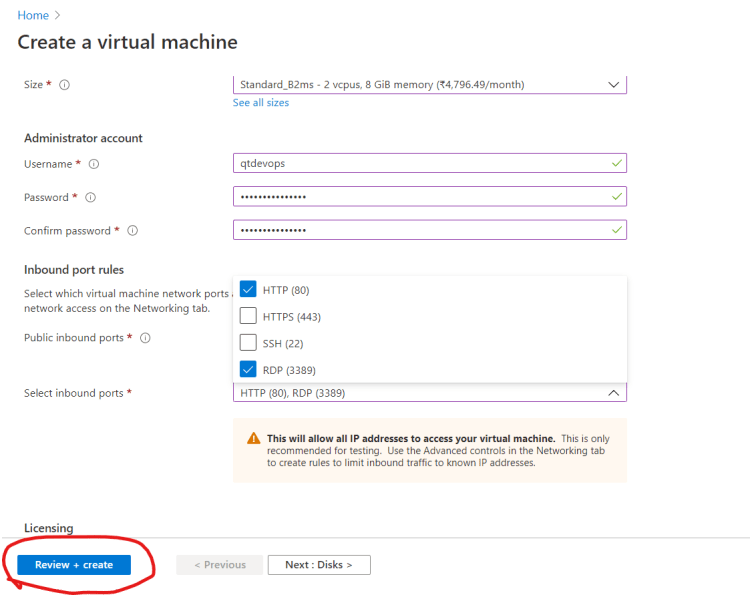
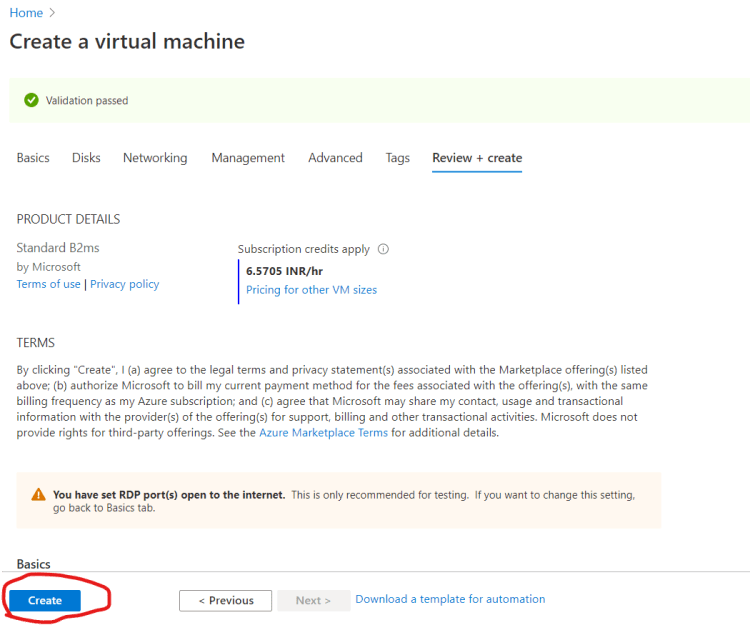
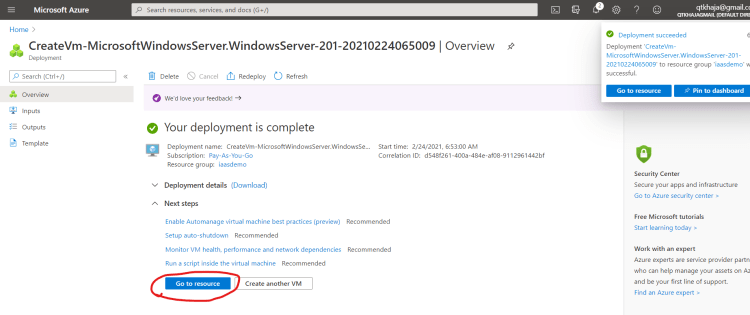
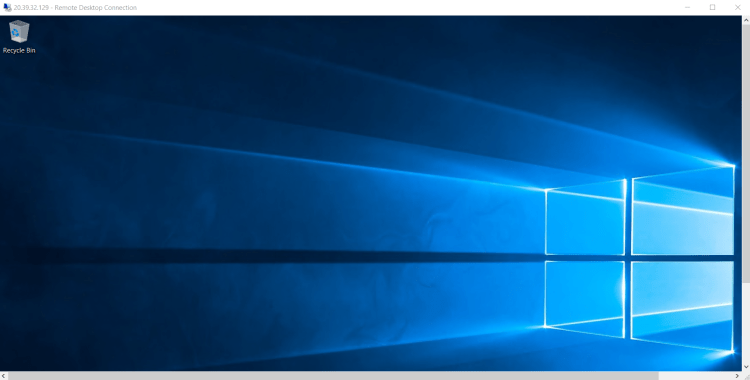
- Now lets install IIS Server, to enable .net web application deployments Refer Here
- Now, we have an .net application deployment environment and we can deploy the .net application
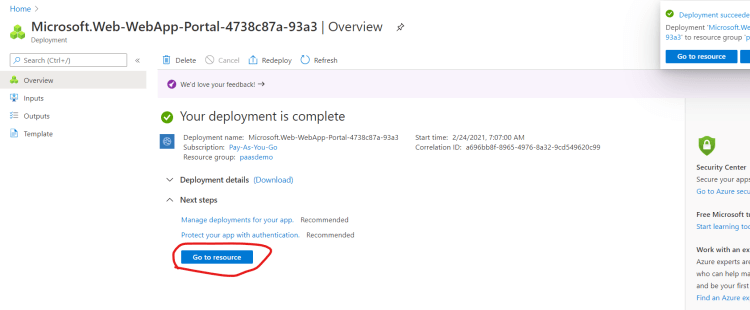
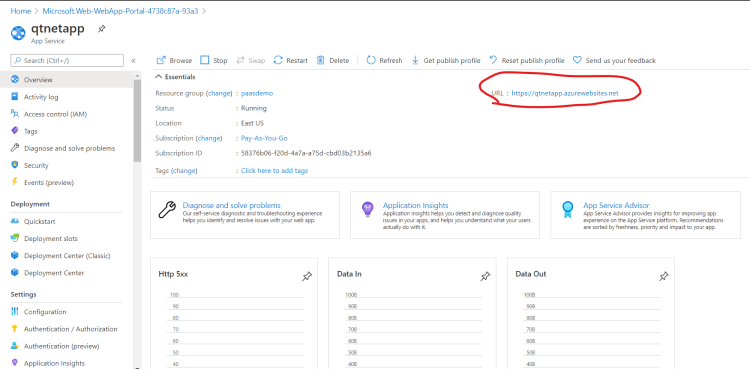
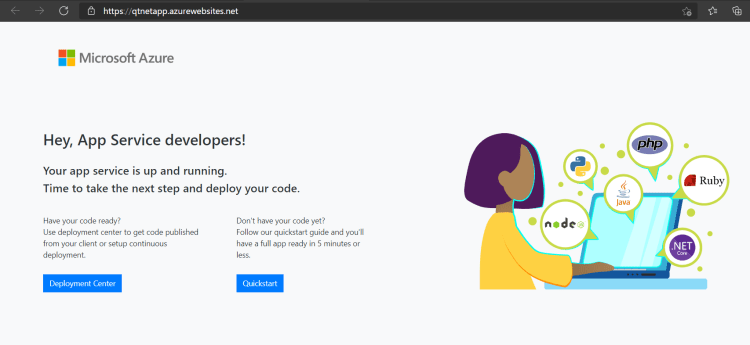
Create a .net application deployment environment (PaaS)
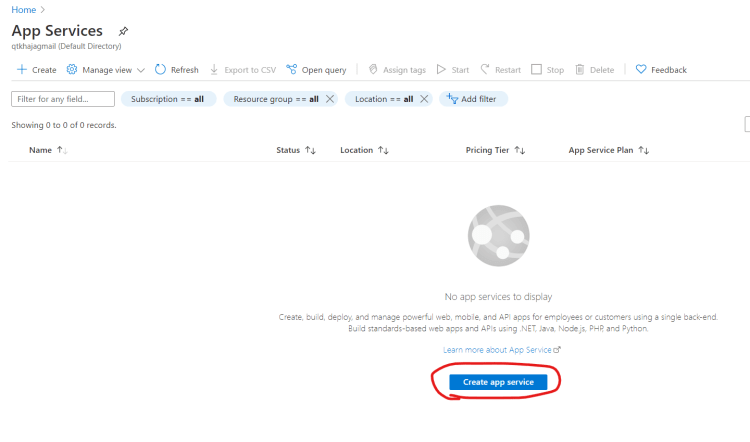
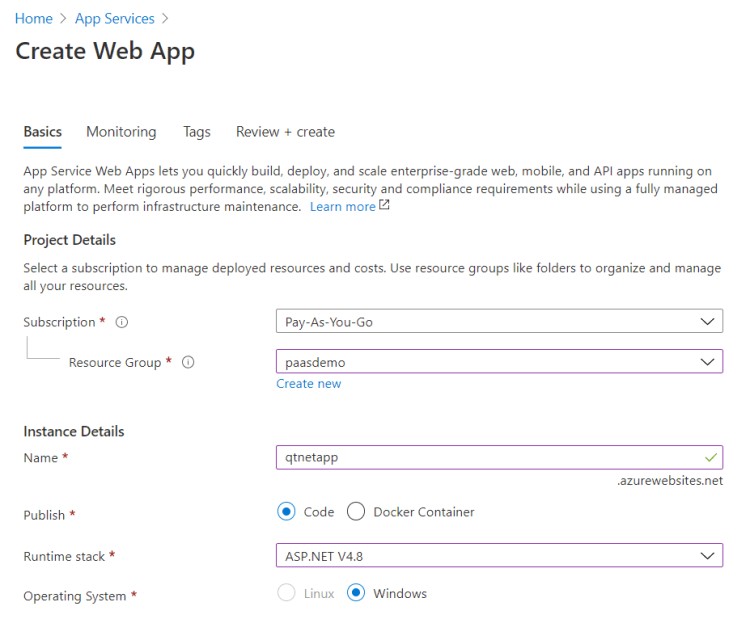
- In Azure we have a service called as Azure App Service, which enables us to use the PaaS offering for creating a deployment environment on multiple techonologies
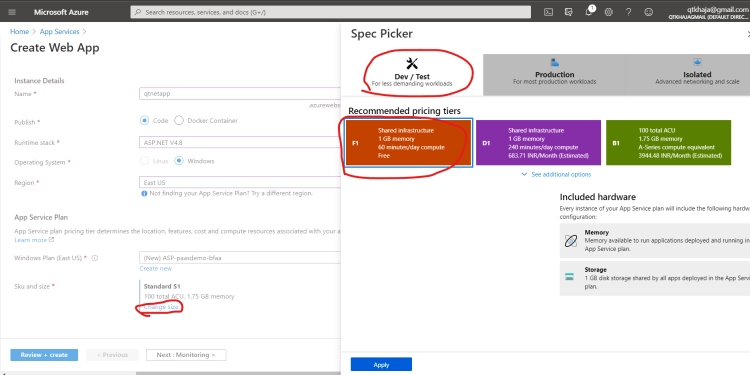
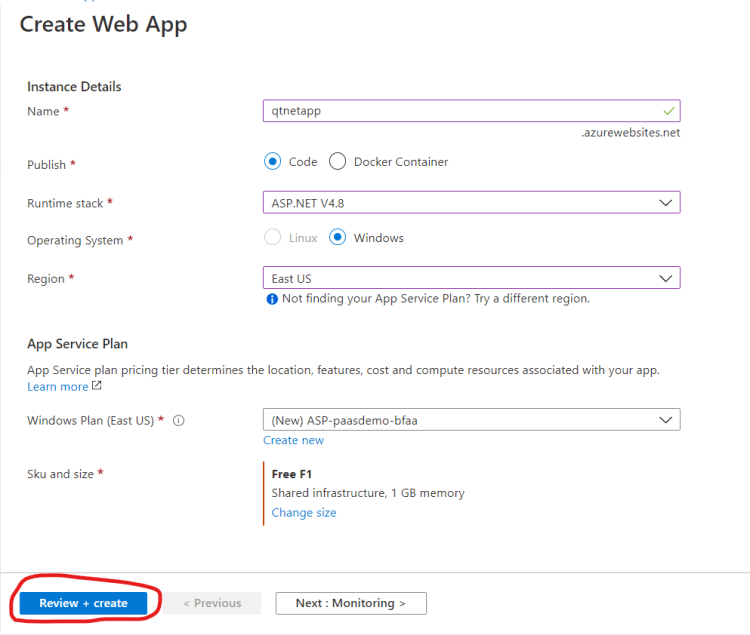
- Create a new resource group and then create an appservice