
Endpoints in Azure SQL Databases
Private Endpoint in Azure SQL Database
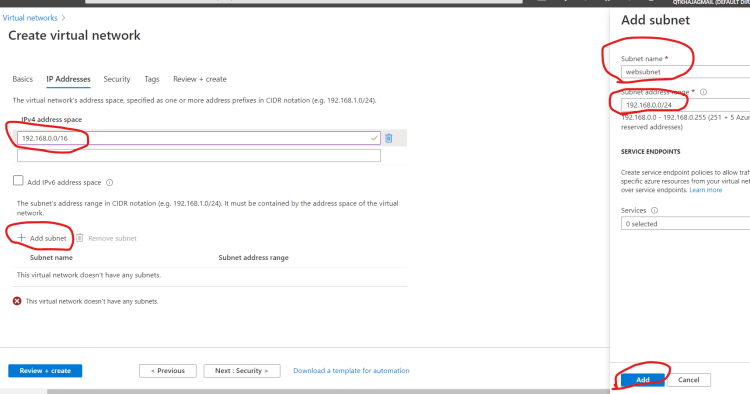
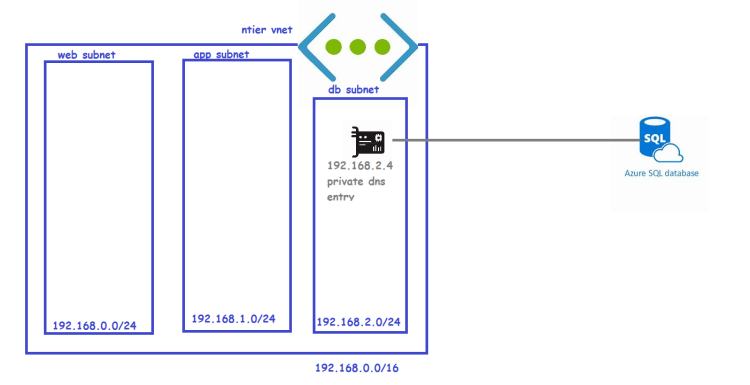
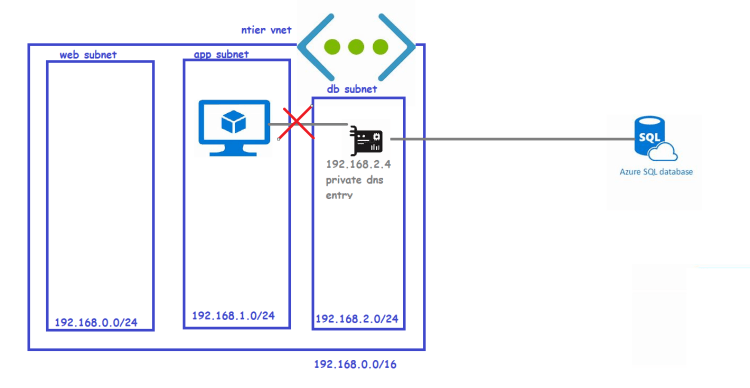
- Lets create a virtual network (192.168.0.0/16) with 3 subnets
- web subnet (192.168.0.0/24)
- app subnet (192.168.1.0/24)
- db subnet (192.168.2.0/24)
- Steps:
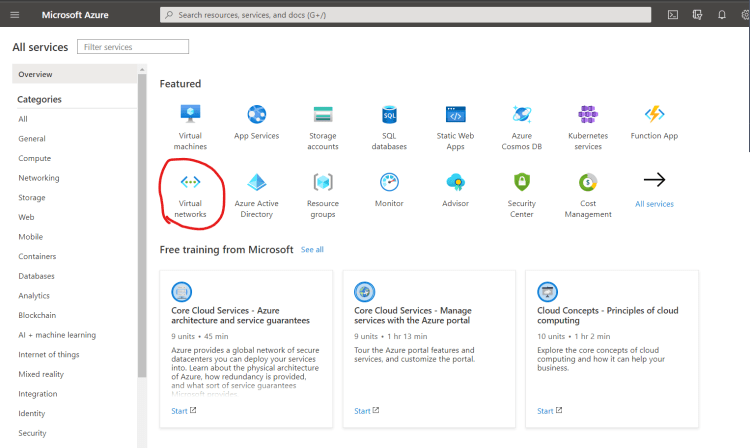
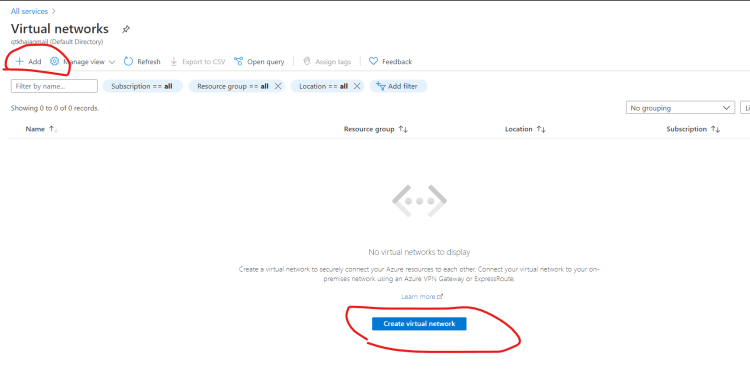
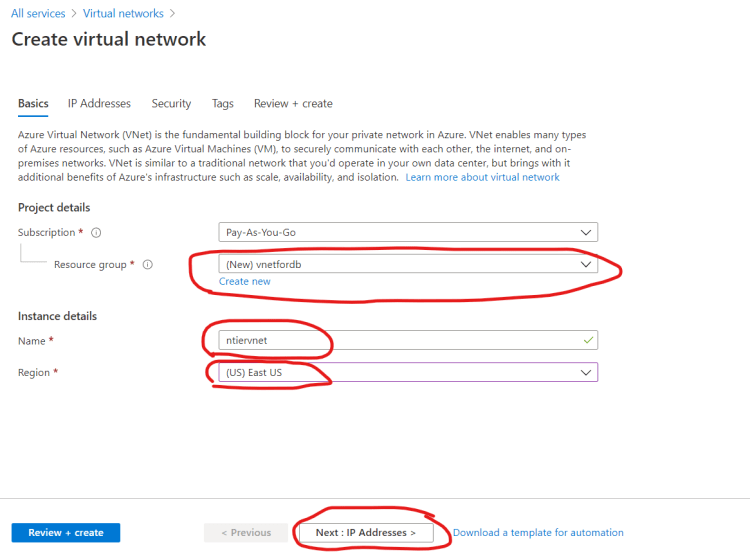
- Create a virtual network
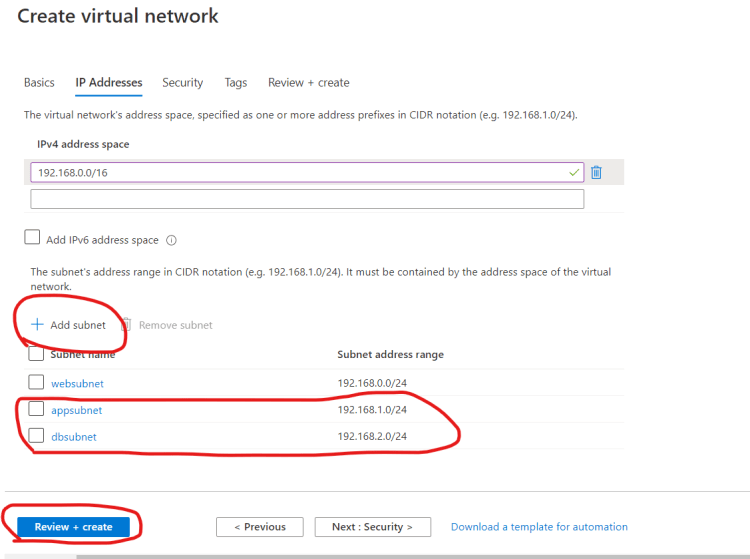
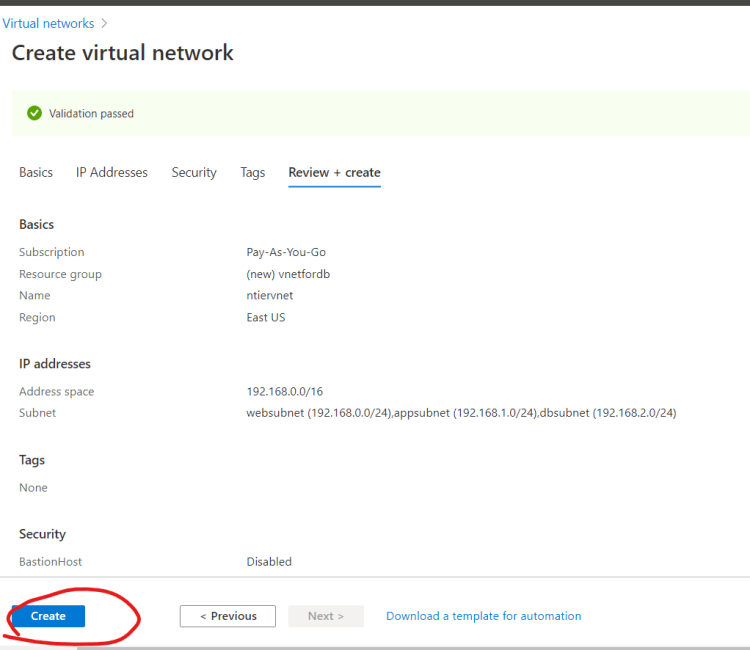
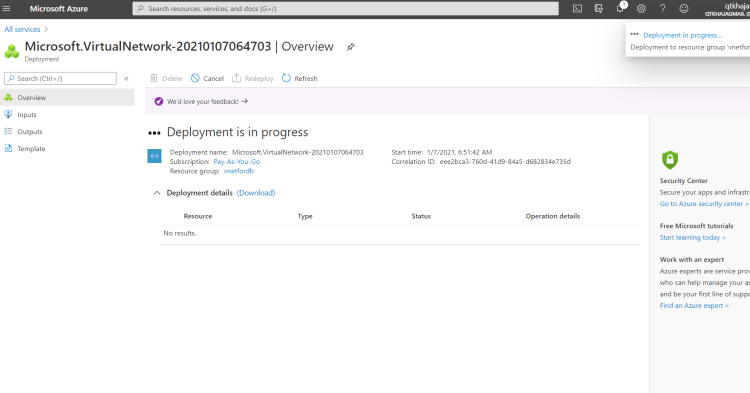
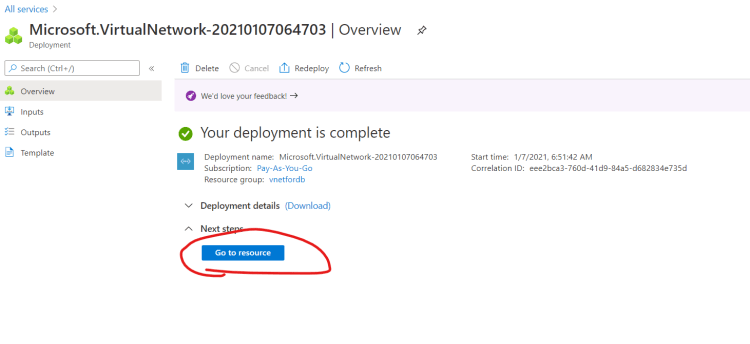
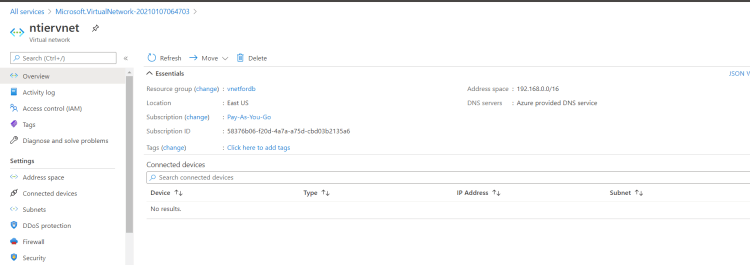
- Our network can be represented as shown below

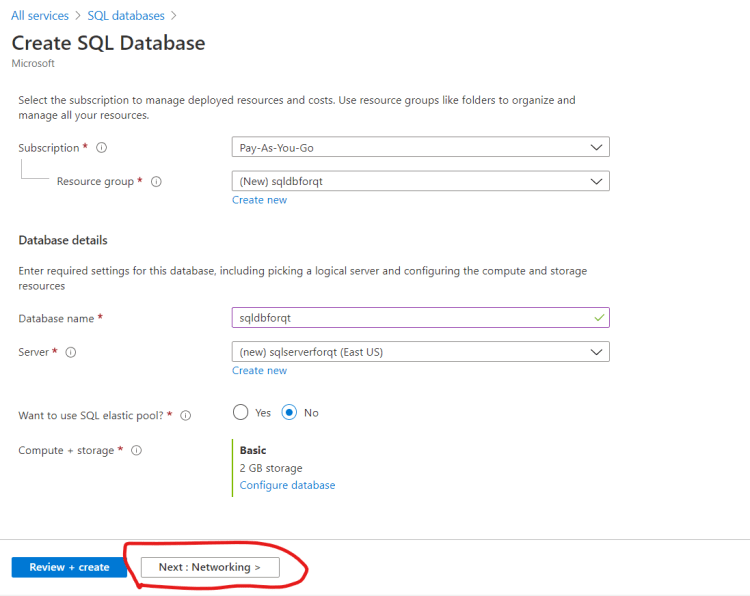
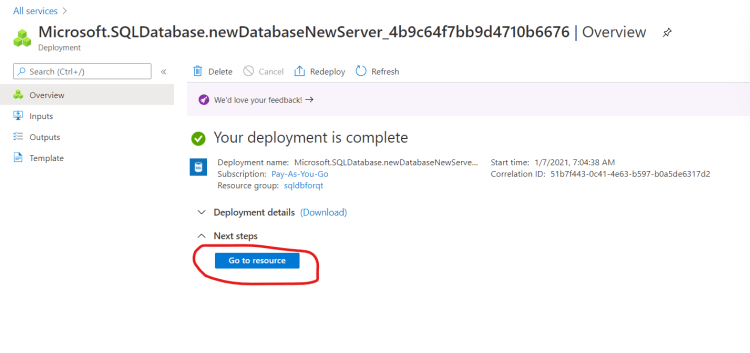
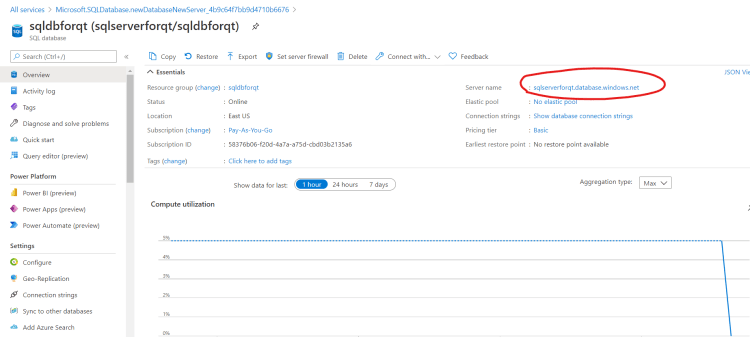
- Now create a new resource group and add a sql server with database and navigate to the networking section
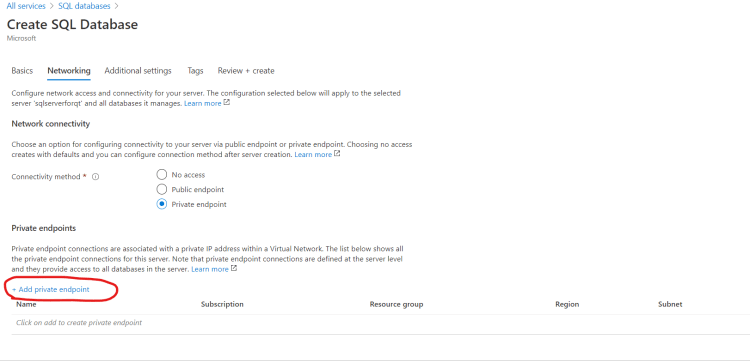
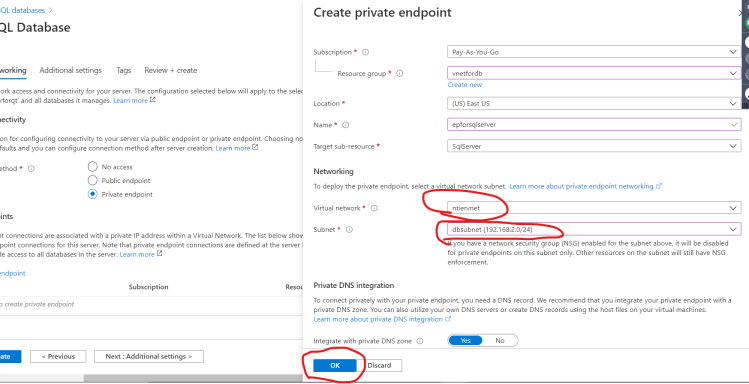
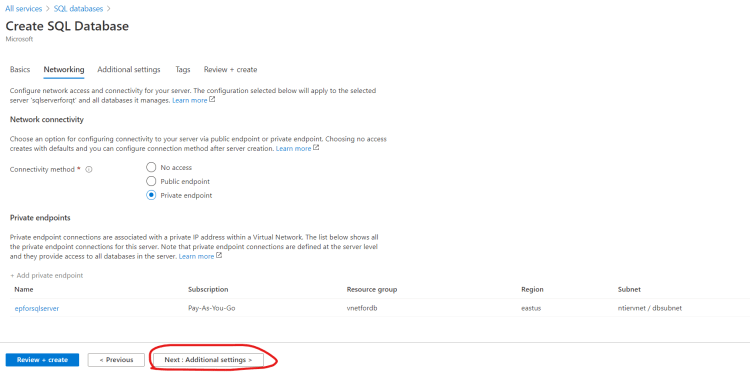
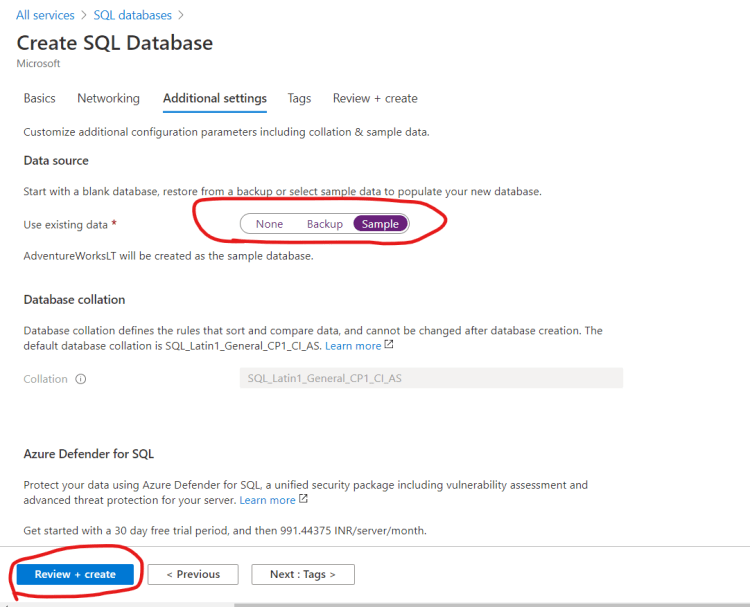
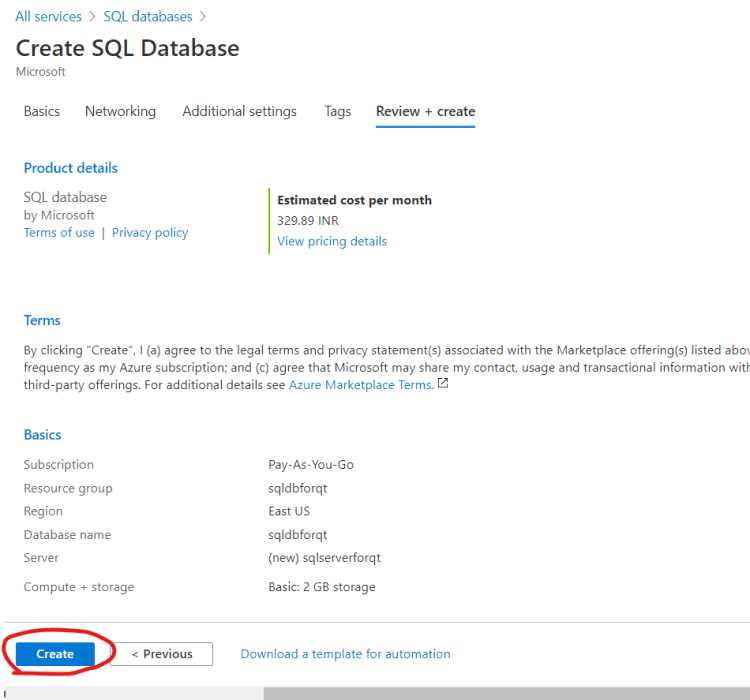
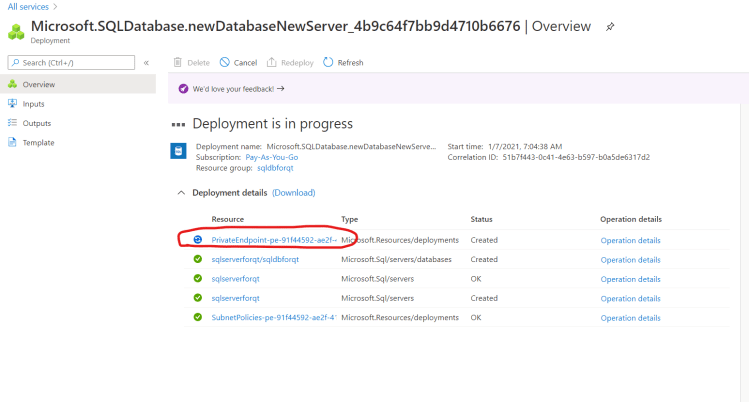
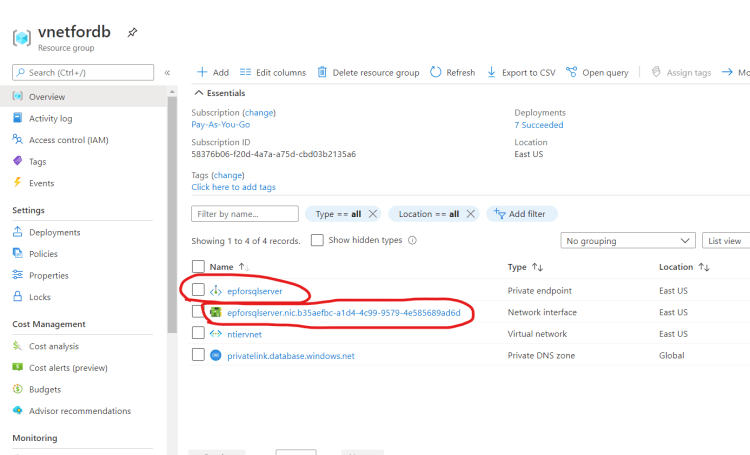
- Now lets look at endpoint
- To test the private connectivity, lets create a windows server in app subnet
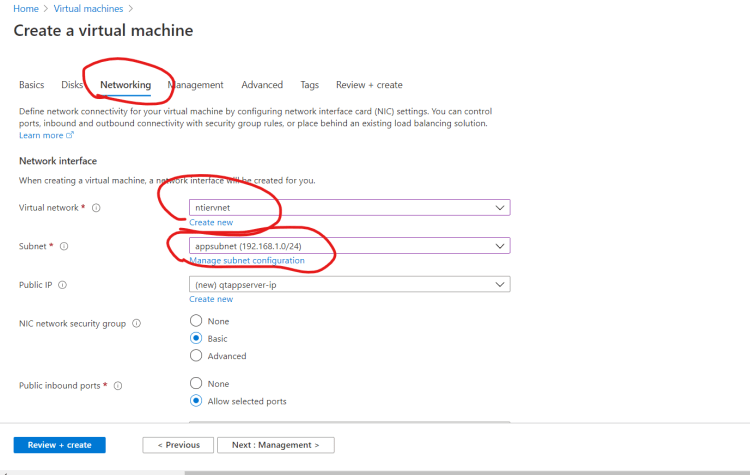
- Now login into the windows server and install client software for connecting to db
- SQL Server Managment Studio Refer Here
- LinqPad
- Lets install chocolatey for software installations
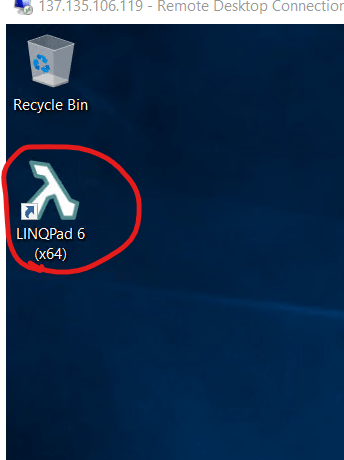
- As of now we are unable to establish connection from app subnet to Azure SQL over private connectivity
- Lets troubleshoot this in the next class.
- Create a virtual network


