
Azure Functions contd
Scenario-1: Create a function in Azure with Python using Visual Studio code
- Reference: Refer Here
- Prerequisites:
- Lets install Azure functions core tools: Refer Here\
- Ensure visual studio code is installed
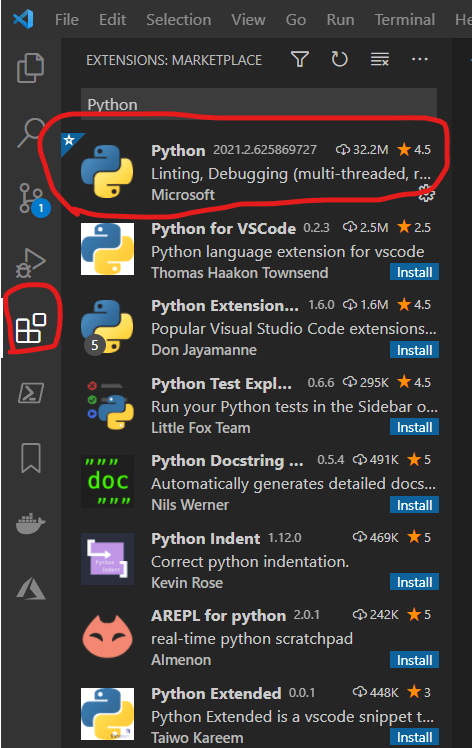
- Install Python extension
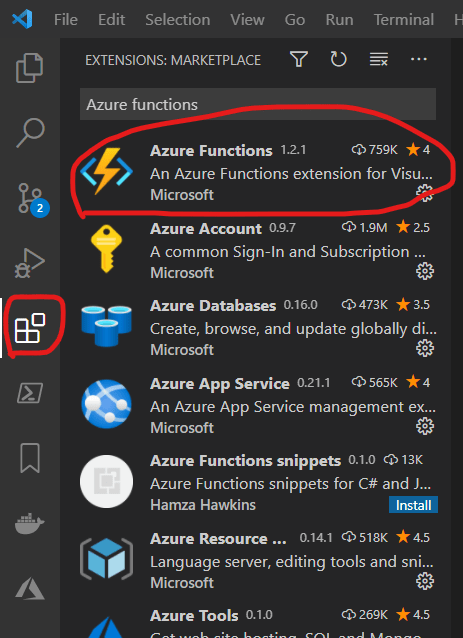
- Install Azure functions extension
- Create a local project

- Refer Here for the sample created in the class
Azure Functions Anatomy
- Function Code: A function is a primary concept in Azure Functions. Each function contains two important pieces
- your code: this can be written in various languages (Python, C#, Java, Ruby etc)
- Configuration: the functions.json file:
- functions.json defines the functions triggers, bindings and other configuration
- Every function has one and only one trigger. The runtime uses this configuration file to determine the events to monitor and how to pass data into and return data from function execution
{
    "bindings" : [
        {
            "type": "bindingType",
            "direction": "in",
            "name": "myParameterName"

        }
    ]

}
Azure Functions Triggers and Bindings
- Triggers are what cause a function to run
- Binding to a function is a way of declaratively connecting other resource to a function
- Binding are connected as
- input bindings
- output bindings
- both
- Data from bindings is provided to the function as Parameters
- Refer Here for the sample used in the class


