
Azure CLI for Azure SQL Contd
- Steps
- Create a resource group Refer Here for the changes
- Create a SQL Server Refer Here
- Create a Database Refer Here
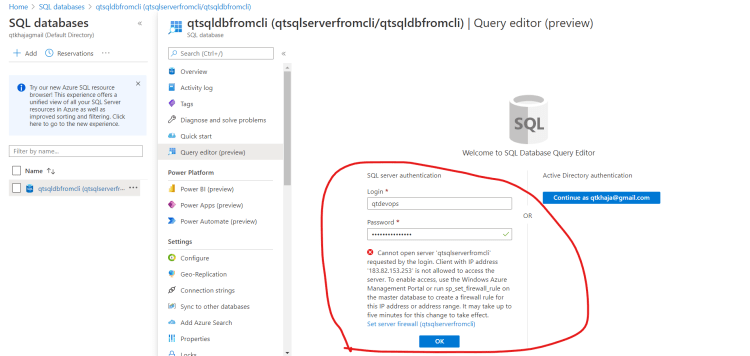
- Now try connecting from sql server management studio or query editor and you would see the following problem with firewall not opened
- Now lets open firewall Refer Here
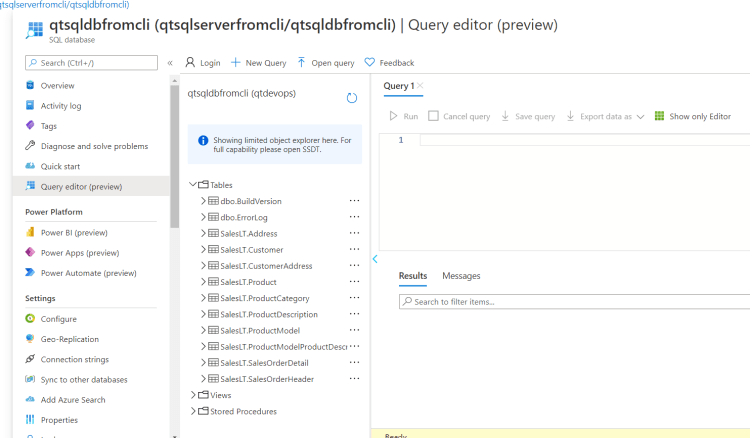
- Now lets try to reconnect from query editor in portal
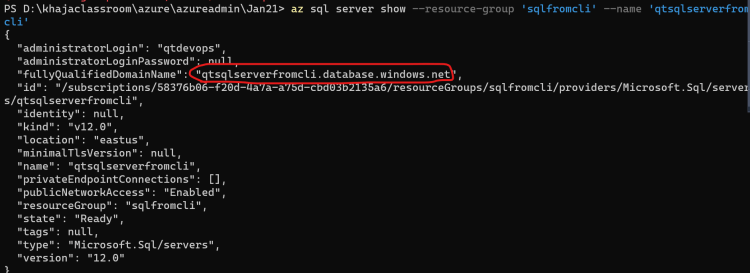
- Now lets try to connect to database from sql server management studio on local laptop. We need to know the endpoint Refer Here
- Refer Here for deleting the resource groups.
- Exercise: Ensure you have understood json Refer Here and JMES Path Refer Here


