
Azure Automatic Failover groups
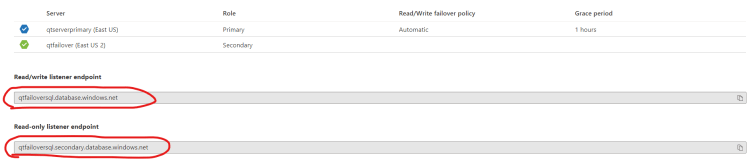
- The failover group feature allows azure SQL product manage automatically failover of databases
- Failover is a backup operational mode in which databases are assumed by secondary databases. when primary database goes down.
- Failover is extremely important for mission critical system that must be constantly available
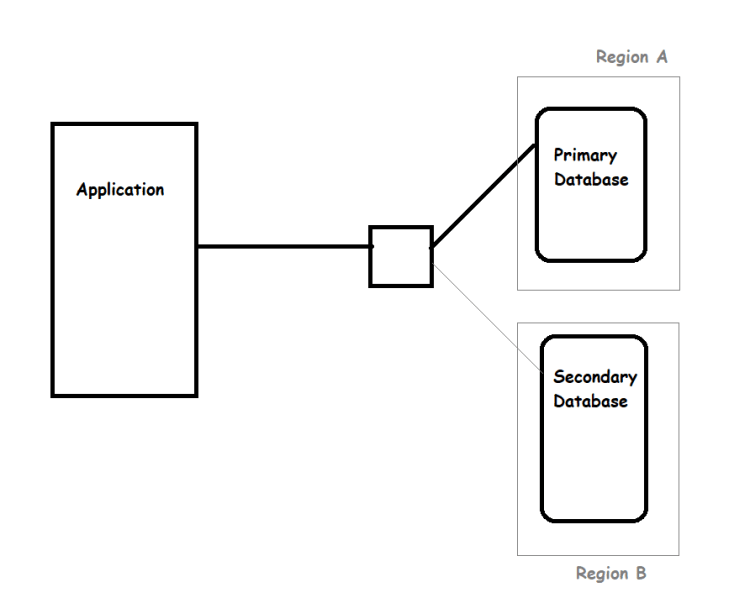
- Creating an Auto failover group
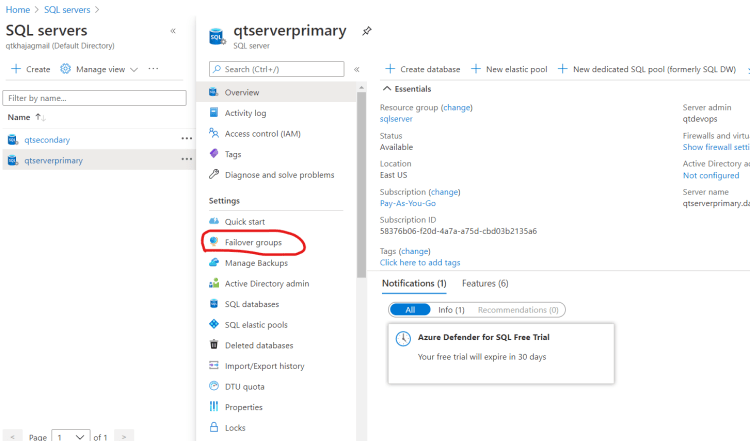
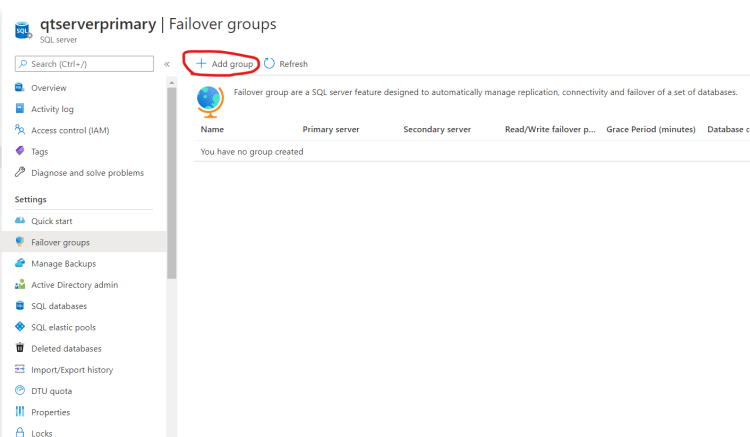
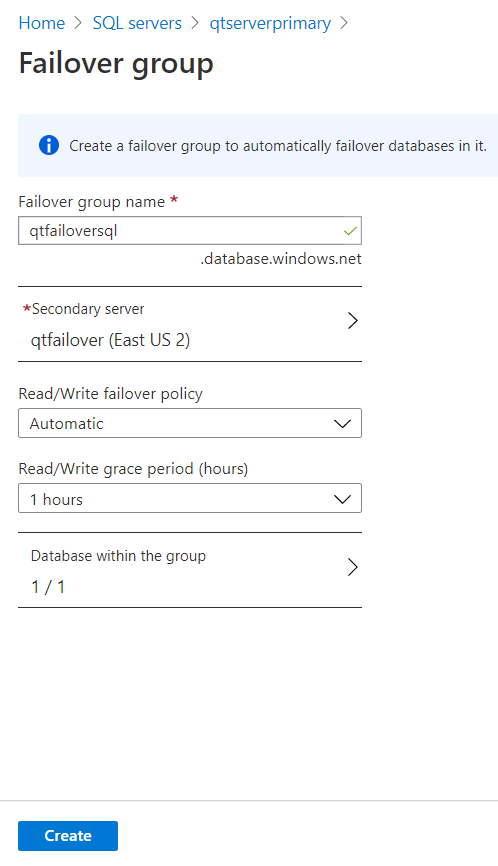
Scenario:
- For test environment setup for our application every night at 12:30 AM we need to create a new Azure SQL Database
- Automating Database creation sounds like an option
- Azure provides two command line interfaces
- Azure CLI:
- Built using python
- Can be executed on linux/windows/mac machines
- Azure Powershell
- Built using Powershell Cmdlets
- Suitable for execution from Windows Servers
- Azure CLI:
Creating an Azure SQL Database using Azure CLI
- Azure CLI Commands will be in the form
az <service> <subresource> <action> --parameter1 value1 ... --parametern valuen - Sample azure cli command
az group create --name sample --location eastus - Configuring Azure Login (Execute az login)
- Ensure Azure CLI Tools extension is installed in Visual Studio Code
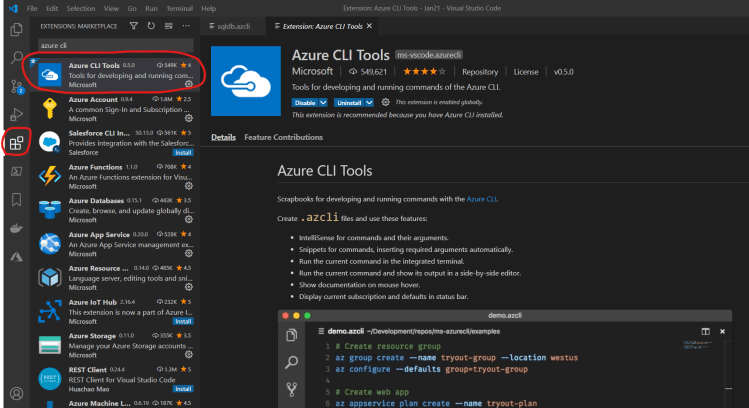
- To install visual studio and other softwares required Refer Here
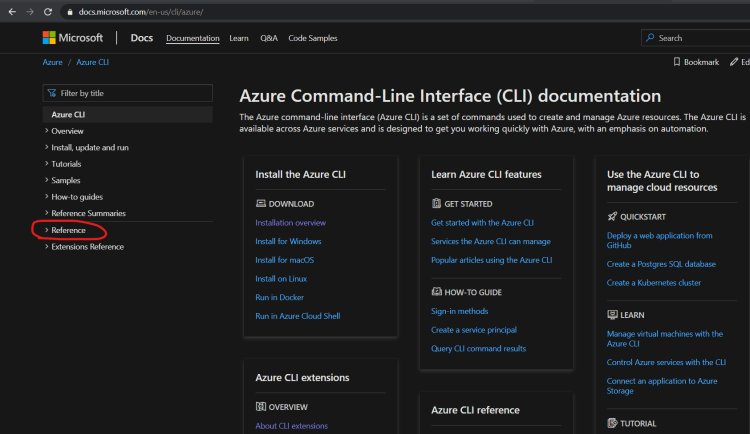
- To find the command Navigate Here
- To Create Azure SQL Database
- We need to have/create a resource group
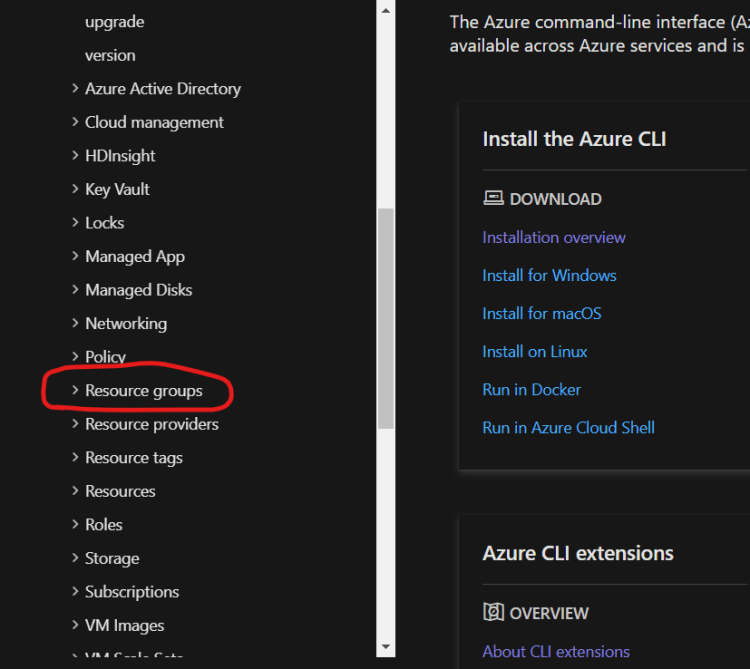
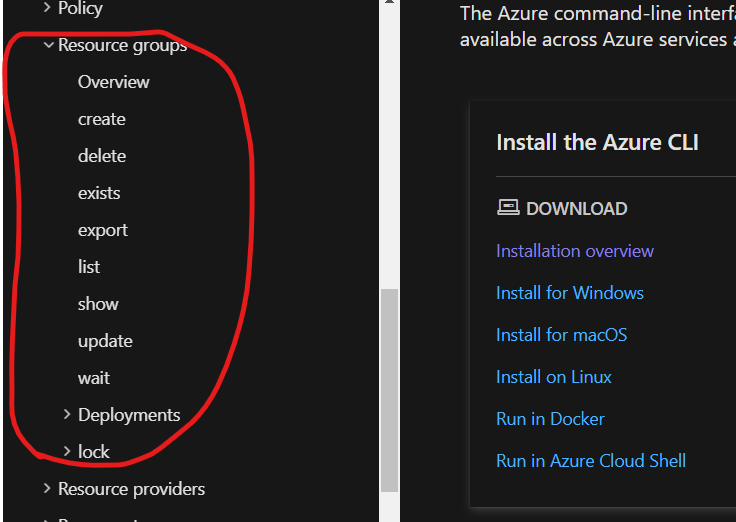
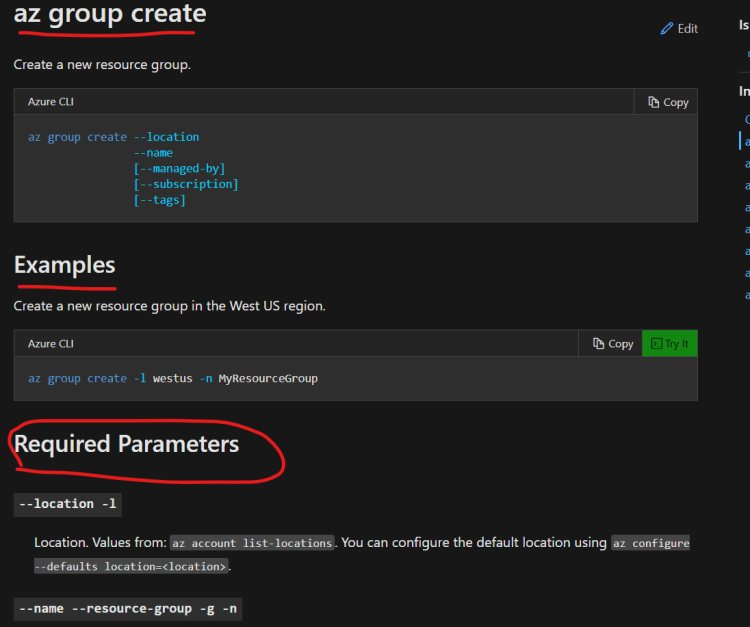
- We need to have/create a resource group


