

Azure DevOps
-
Accessing Azure DevOps
- For existing Azure Users
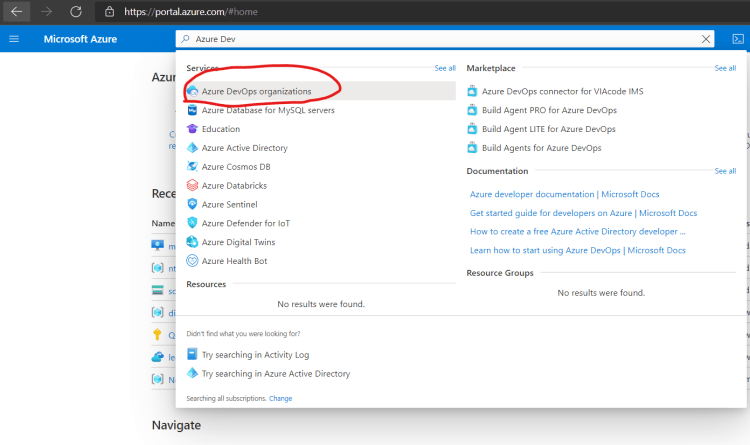
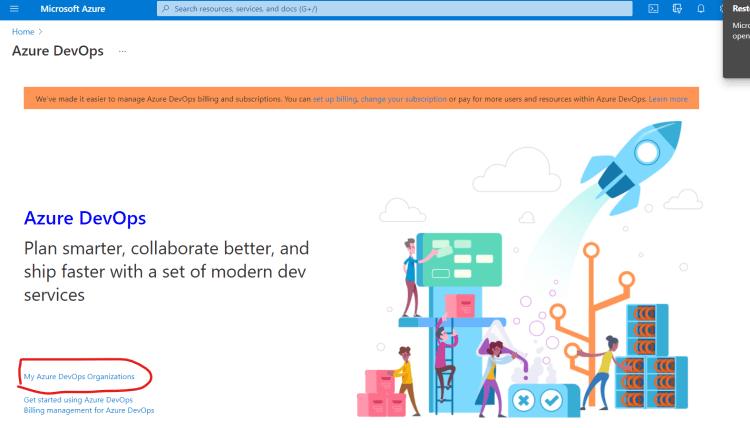
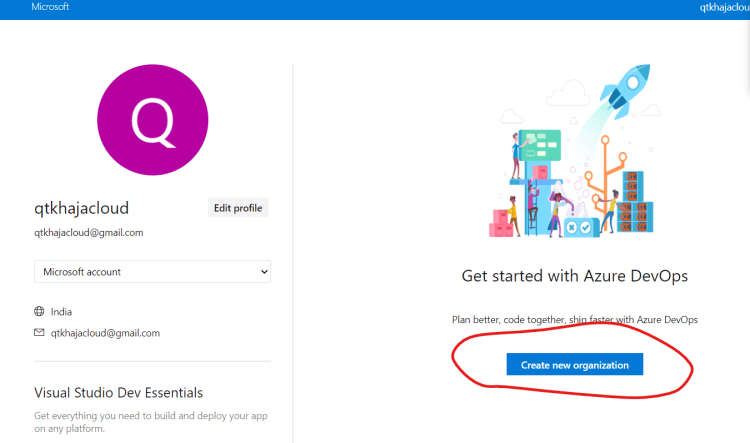
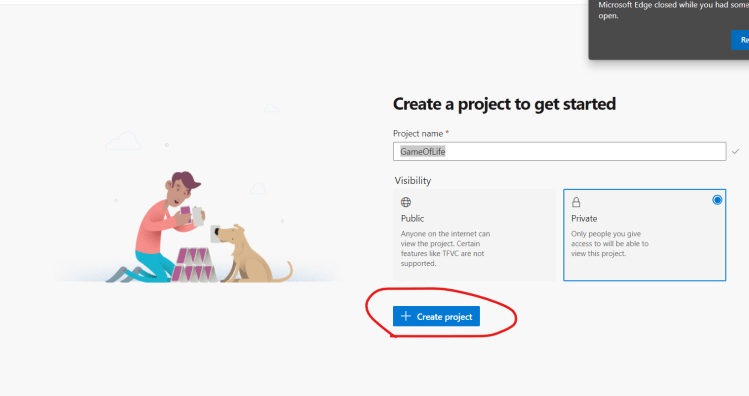
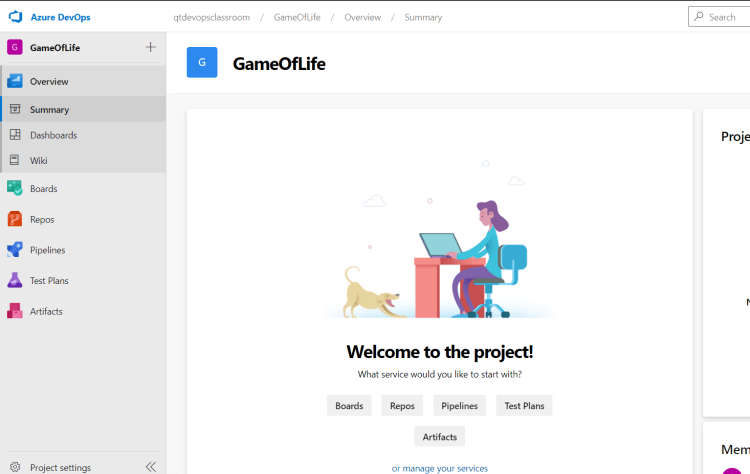
- If you are not an Azure user we can use github account Naviagate to Refer Here
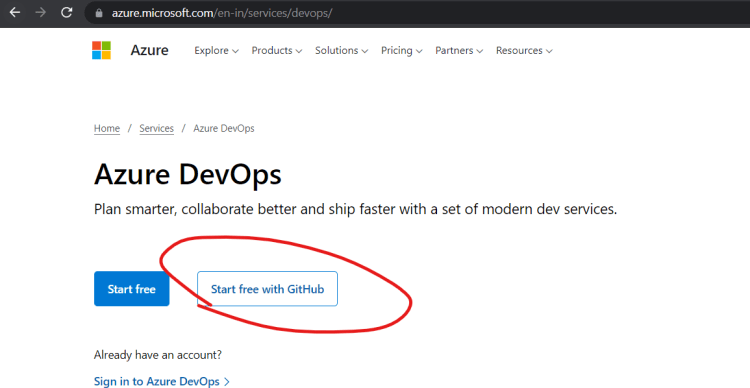
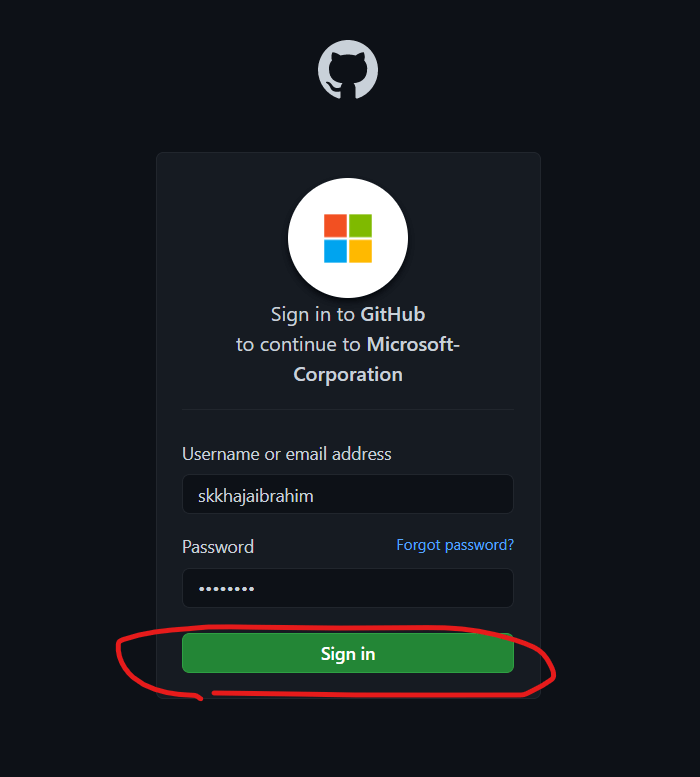
- For existing Azure Users
-
Azure DevOps offers two ways of using Azure Devops
- Hosted Azure DevOps: Azure DevOps will be hosted and you need to create an account and manage users
- pricing: Refer Here
- Installing Azure DevOps on your on-premises server: Refer Here
- Hosted Azure DevOps: Azure DevOps will be hosted and you need to create an account and manage users
-
Once the git repo is imported/created in Azure DevOps Source Repos, All we need to do is to create an azure-pipelines.yml file with the necessary build steps configured.
-
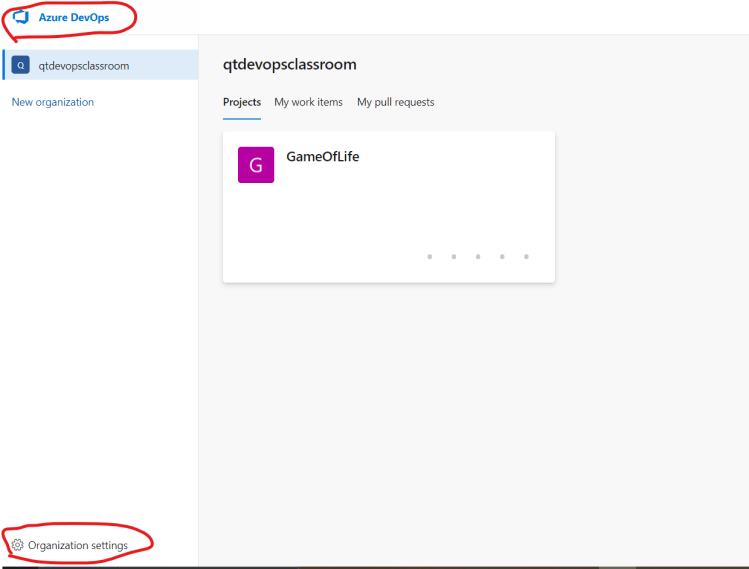
Exercise: Create an Azure DevOps Organization and create a project called as gameoflife and push the master branch of gameoflife from github into AzureSourceRepo


Writing Azure Pipelines in YAML
- YAML Tutorial Refer Here
- To write the Pipeline in YAML we need to understand the schema from Azure DevOps Refer Here
- Pipeline Schema Refer Here
- Triggers Refer Here
- For periodic builds equivalent => Scheduled Trigger Refer Here
- For poll scm equivalent => Push Trigger Refer Here
- Azure Pipleline job needs to run on some node. Azure DevOps uses the term agent to refer it. In Azure DevOps we have two types of agent
- Microsoft Hosted Agents:
- These are hosted by Azure/Microsoft
- Free plan => 1800 minutes per month is free
- Self Hosted Agents
- We can add our agent to the Azure DevOps
- Adding one agent is part of free plan
- Microsoft Hosted Agents:
- For configuring agents
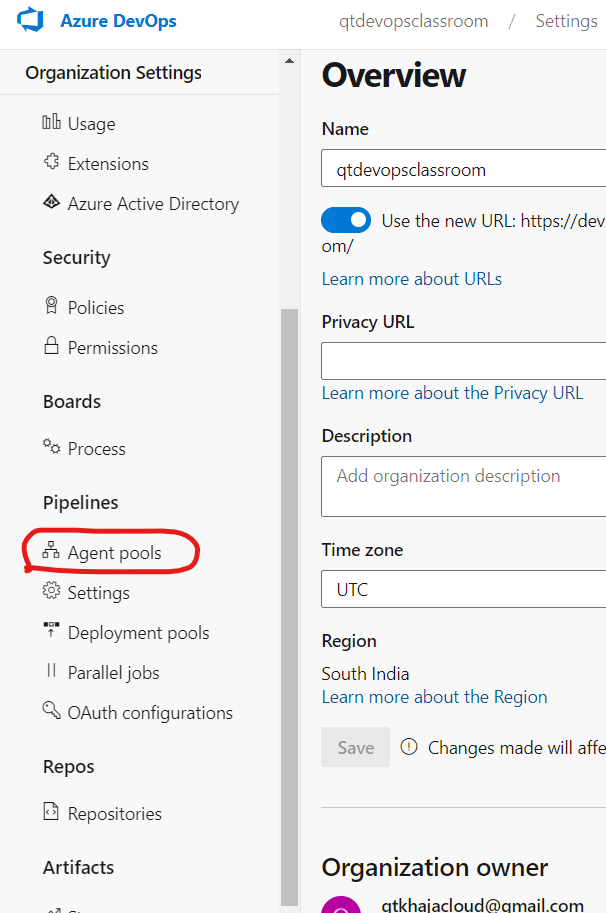
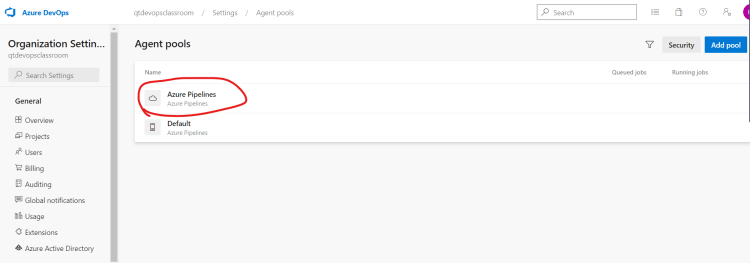
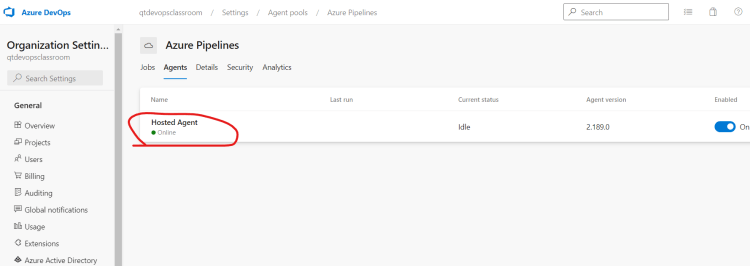
- To configure a pool Refer Here and use a microsoft hosted agent Refer Here
- In Azure Devops


stages
----> jobs
     -----> steps
           ------> tasks
-
For all the tasks Refer Here
-
The Azure pipeline which is created in the class
---
trigger:
  - master


variables:
  MVN_GOAL: 'package'

pool:
  name: Azure Pipelines
  vmImage: 'ubuntu-latest'

steps:
  - task: Maven@3
    inputs:
      mavenPomFile: 'pom.xml'
      goals: $(MVN_GOAL)
      jdkVersionOption: 1.8
      testResultsFiles: '**/surefire-reports/TEST-*.xml'
- Equivalent in Jenkins
pipeline {
  agent { label 'ubuntu' }
  triggers {
	pollSCM('* * * * *')
  }
  stages {
     stage('SCM') {
	steps {

		git 'htps:/lksdfskl'
	}
     }
     stage('build') {
	steps {
		sh 'mvn package'
		junit '**/surefire-reports/TEST-*.xml'
	}
     }
  }

}


