
Simulated Environment for Hyper-V Migration
-
Simulated Setup
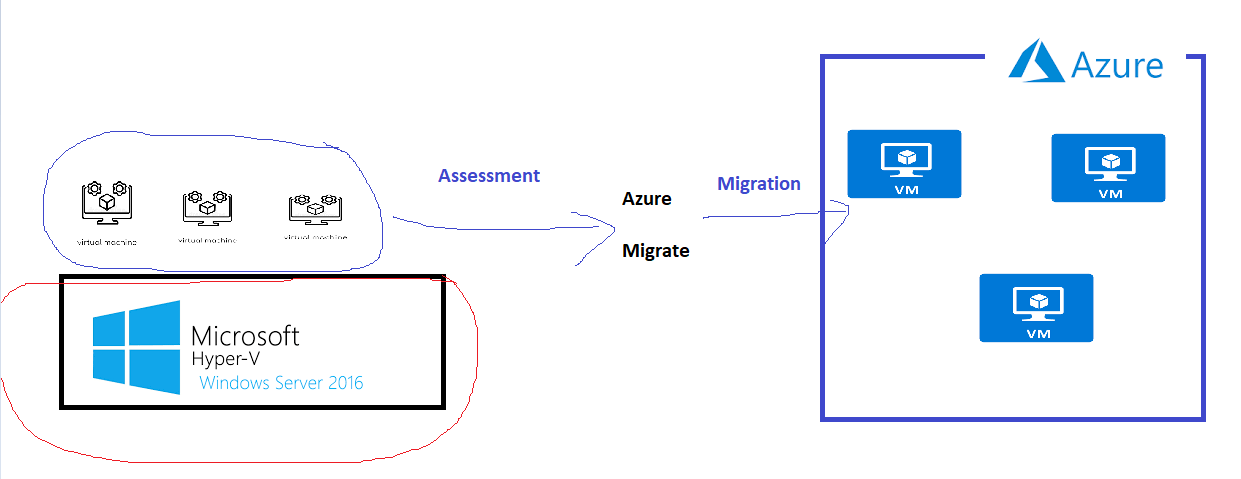
-
Refer Here for Hyper-V Setup on Azure
-
Machine size used D2s v3
-
Install Chocolatey by executing the following commands on Powershell run as administrator
Set-ExecutionPolicy Bypass -Scope Process -Force; [System.Net.ServicePointManager]::SecurityProtocol = [System.Net.ServicePointManager]::SecurityProtocol -bor 3072; iex ((New-Object System.Net.WebClient).DownloadString('https://chocolatey.org/install.ps1'))
- Restart the VM
- RUn powershell as administrator and execute
choco install vagrant -y
- Next Steps:
- 6R’s of Migration
- Azure Cloud Adoption framework


