

AWS EC2 AutoScaling
-
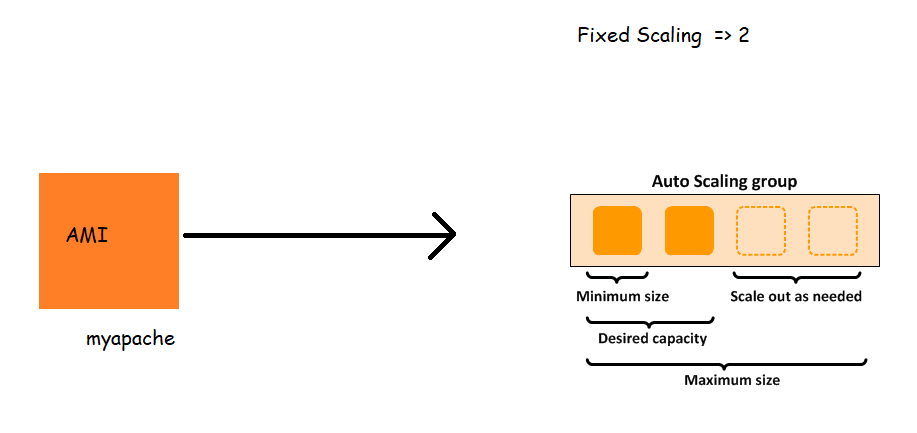
Now we would want to increase/decrease number of ec2 instances in auto scaling group depending on some factors.
-
So lets try to increase ec2 instances when the load on CPU increases for this
- When CPU utilization > 80 % for 5 minutes lets increase one ec2 instance
- When CPU utilization < 40 % for 5 minutes lets decrease one ec2 instance
- Minimum ec2 instances => 1
- Max ec2 instances => 5
-
Lets do this activity using launch configuration


-
Lets look at step scaling which will be easier to understand

-
Now lets look at simple scaling

-
To satisfy my application demands
- When CPU utilization > 80 % for 5 minutes lets increase one ec2 instance
- When CPU utilization < 40 % for 5 minutes lets decrease one ec2 instance


-
Now to create artificial load on cpu, lets login into ec2 instance and run the stress tool.


stress --cpu 8 --io 4 --vm 2 --vm-bytes 128M --timeout 20m -v
- Now once the alarm is reached


- Now lets look at low cpu


- Next Steps:
- We need to try autoscaling with launch template
- We need to add load balancer to balance the traffic across multiple ec2 instances


