

Making changes in commits
-
Changing the commit message of the immediate commit which head is looking at
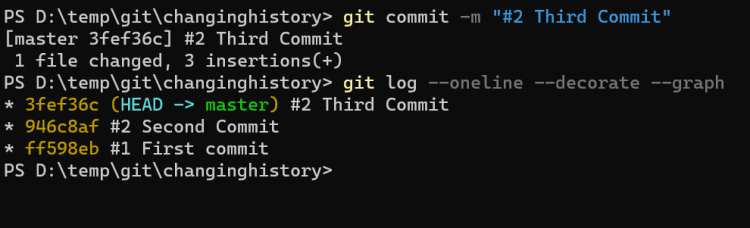

-
Change the commit messages way back in history
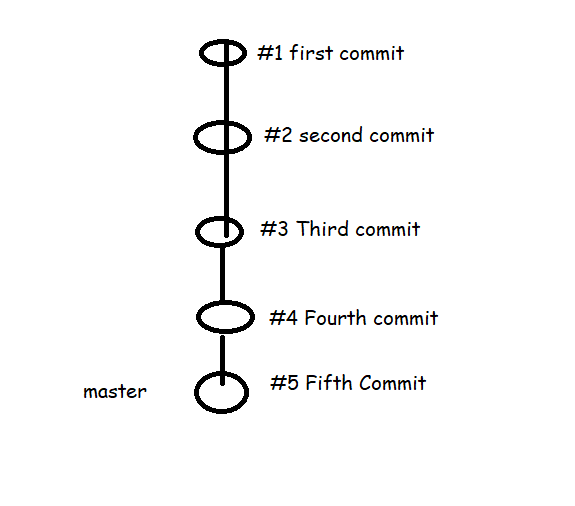
- Now lets use the pattern #0001 from #1 i.e single digit to four digits
git rebase -i --root git rebase -i HEAD~2 -
Delete the commit in the history. Lets delete the second commit


git rebase -i HEAD~4

drop commit 2
- Combining two commits into one commit
- Here we use squash option
git rebase -i HEAD~2

pick  third commit
squash fourth commit
pick fifth commit


