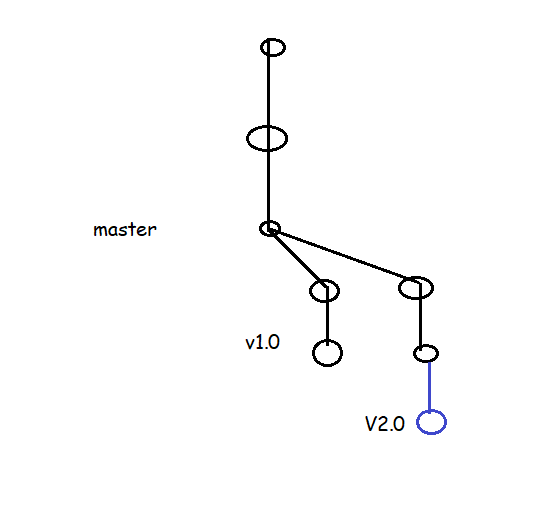
Cherry-pick
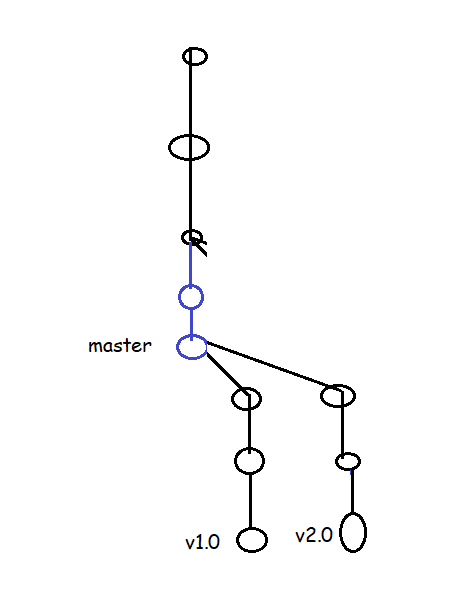
- As shown in the below image we would like to have one commit (in blue) created in branch v2.0 to be added to v1.0 as it is important fix.
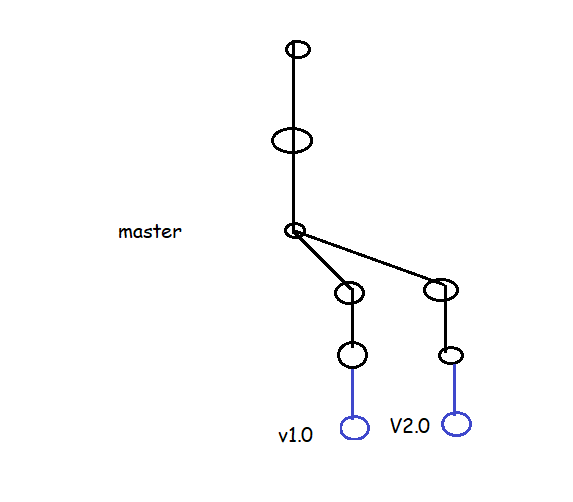
- Post Cherrypick


Rebase
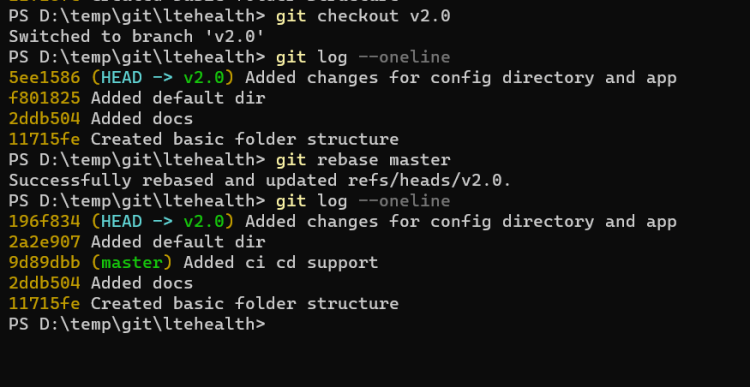
- As shown in the below image we have made changes in the master branch and we want those changes in the v1.0 and v2.0 branches
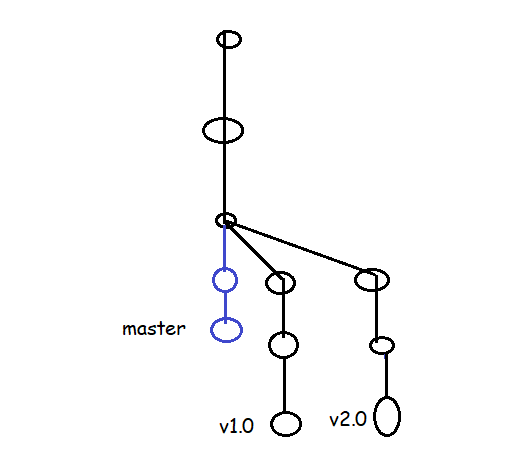
- After rebase


Some Useful Commands
- View history of last n commits
git log -n
git log -3


- View the graph
git log --decorate --graph --oneline --all


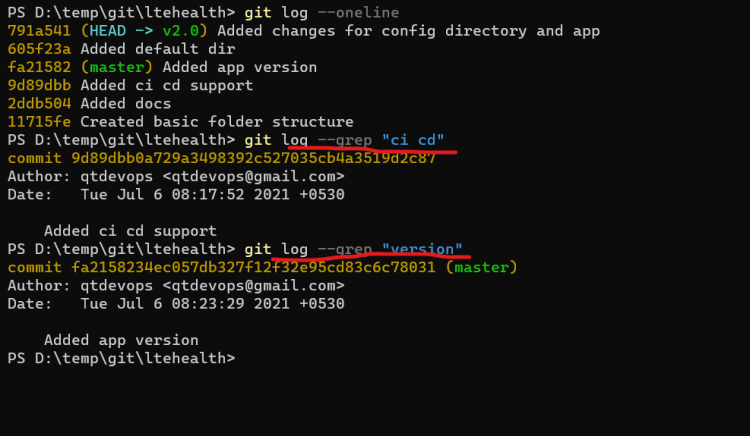
- Search commit by message
git log --grep "expression"

- Viewing the differences b/w any two commits
git diff <commitA>..<commitB>
git diff <branchA>..<branchB>
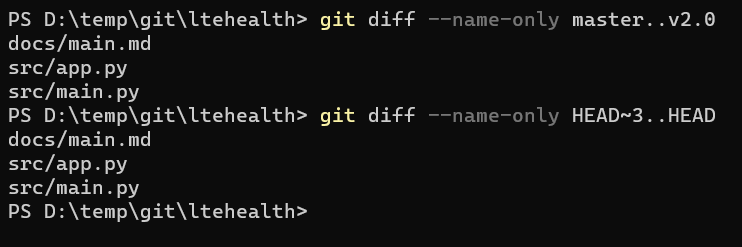
git diff --name-only <commitA>..<commitB>
git diff --name-only <branchA>..<branchB>