

How Git Works
- HEAD file in .git folder represents the branch. It should ideally point towards the branch. If HEAD is pointing to some commit rather than branch it is called as DETACHED HEAD state
- Use the class room recording to understand the git traversal across commits to populate working directory
Merging Branches
-
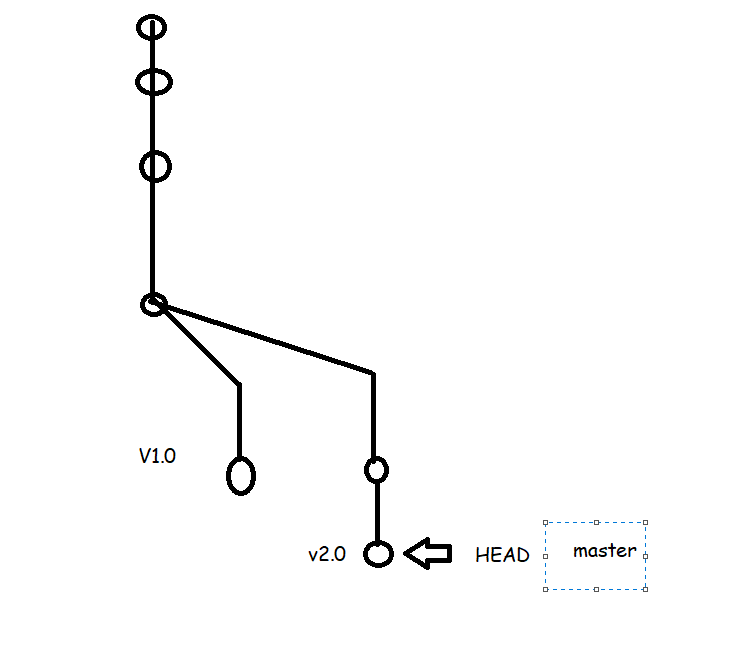
Fast-Forward: When branch moves to the latest commit of branch which we are merging from i.e considered as fast forward
-
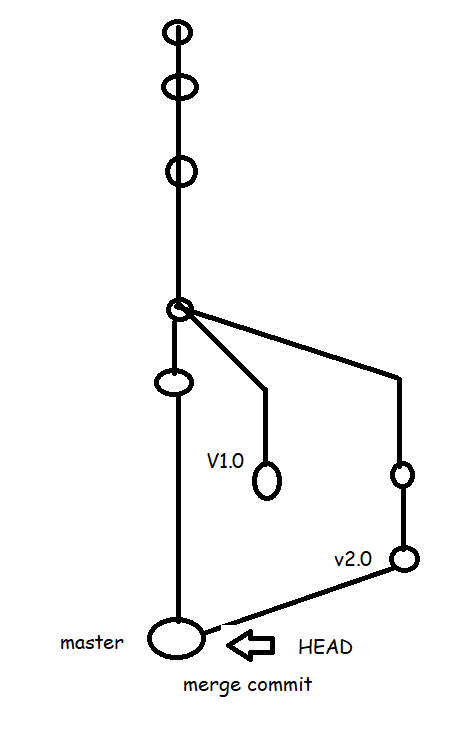
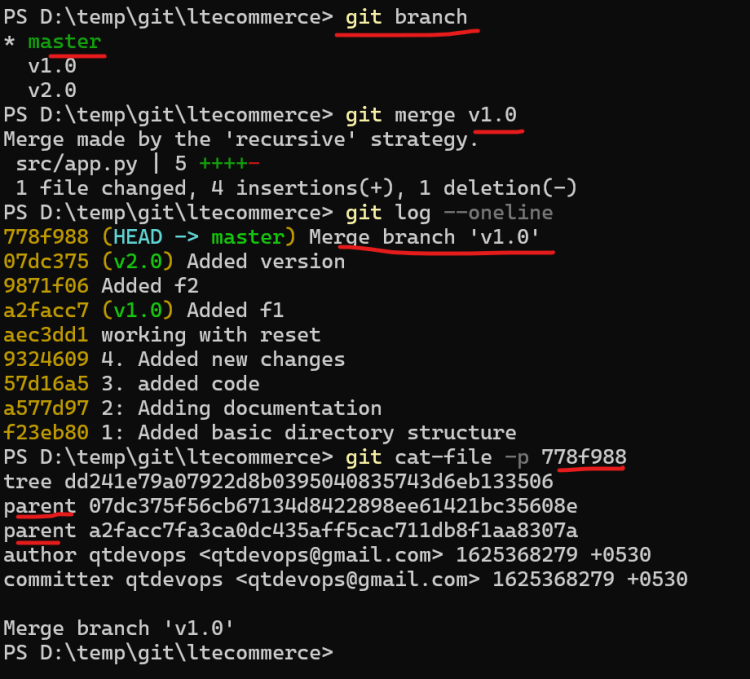
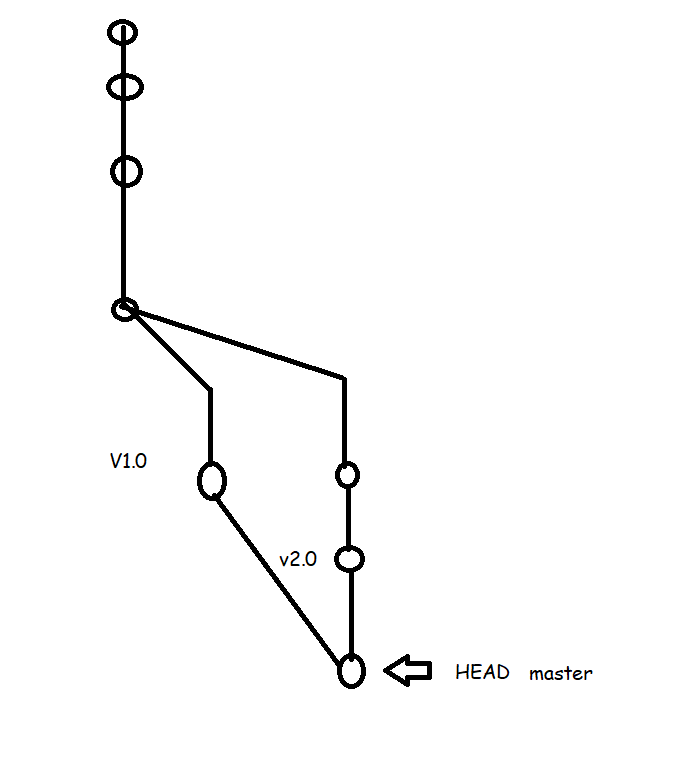
Merge: This creates an extra commit on the destination branch which has merge commit (which has two parents)
-
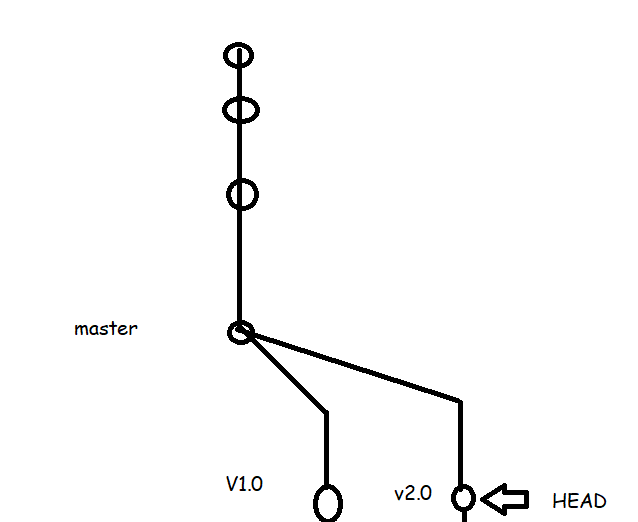
Lets assume we have the branch which looks as shown below
-
Now lets assume the user has created one more commit

-
Now we need to have whatever changes which we have done on v2.0 branch in master branch also
-
Steps for merging.
- Checkout to the branch where we need to merge
git checkout <dest-branch> - Now execute the command
git merge <source-branch>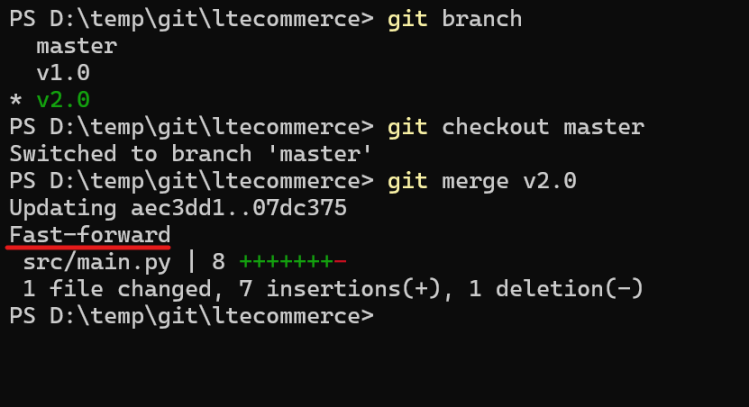
- Checkout to the branch where we need to merge
-
Now Contents of V1.0 branch needs to be merge to master branch
-
Next Steps:
- Searching for history and differences in commandline
- Merge Conflicts
- Cherry-pick
- Re-base
- Add the Remote Repository


