

AWS Elastic Beanstalk
- Terminologies:
- Application: This logical collection of Elastic Beanstalk components including enviroments, versions and configuration
- Application Version: This refers to specified iteration of deployable code for web application
- Environment: This is collection of AWS resources running an application version
- Environment tier: This designates type of application that the environment runs
- Web server Environment tier: Used to deploy web applications
- Worker environment: A backend environment that pulls tasks from a AWS SQS (Simple Queue Services)
- Environment Configuration: this is collection of parameters and settings that define how an environment and its associated resources behave
- Platform: This is combination of an operating system, programming language run time, webserver/application server and other elastic beanstalk components
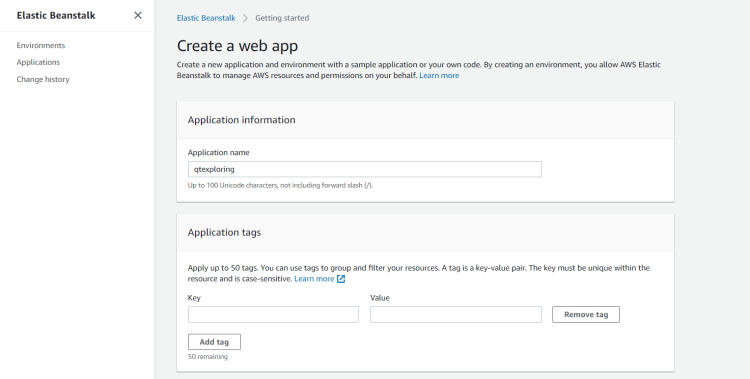
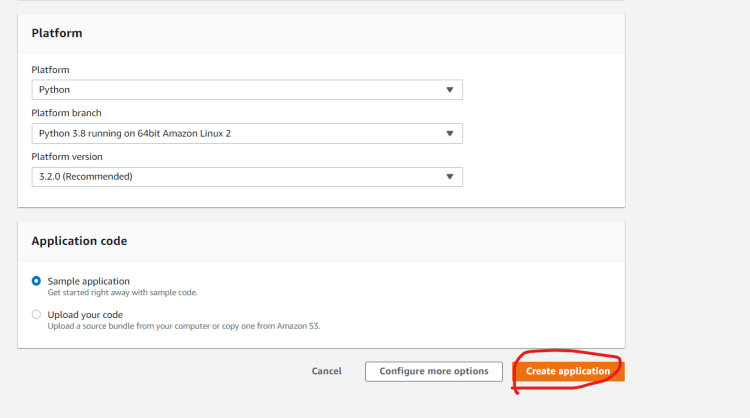
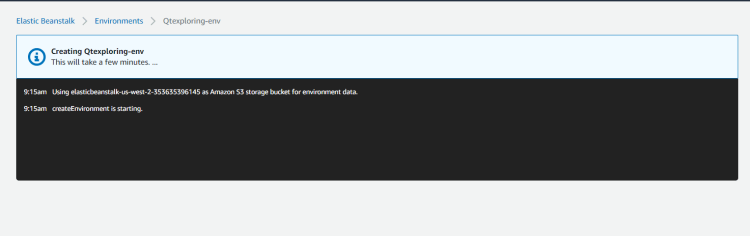
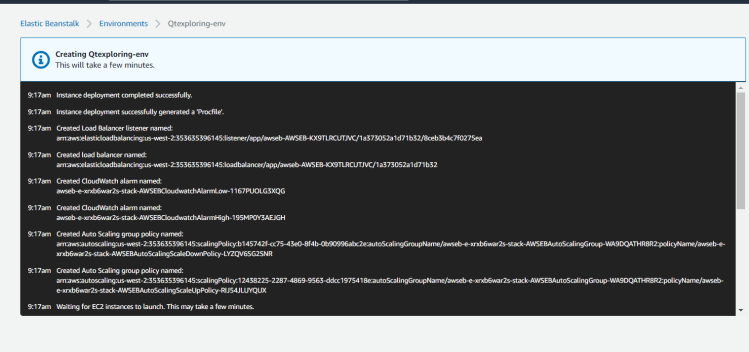
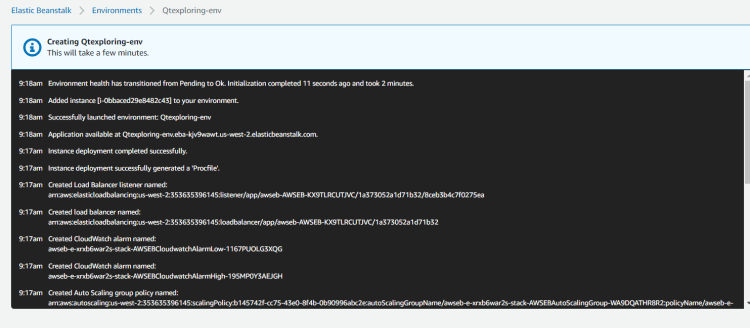
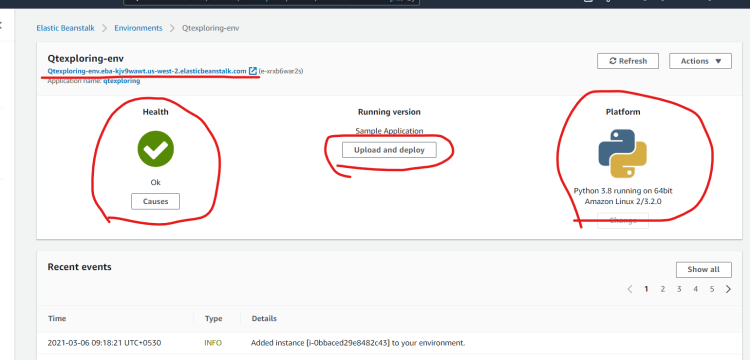
- Lets create a sample elastic beanstalk application
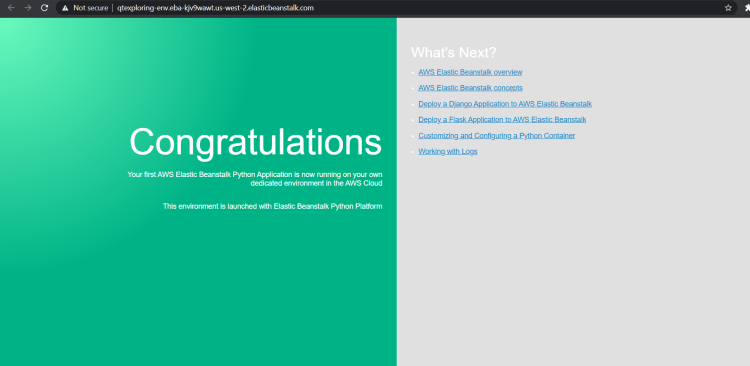
- Lets launch the url
- AWS Resources that are created as part of sample application deployed to Elastic Beanstalk
- EC2 instance: An AWS EC2 instance is configured to run the sample application
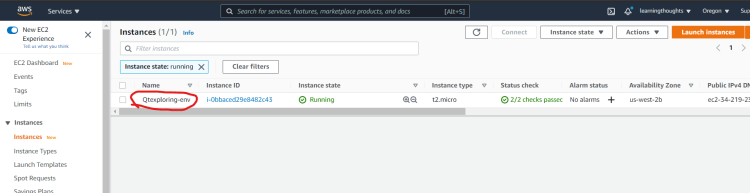
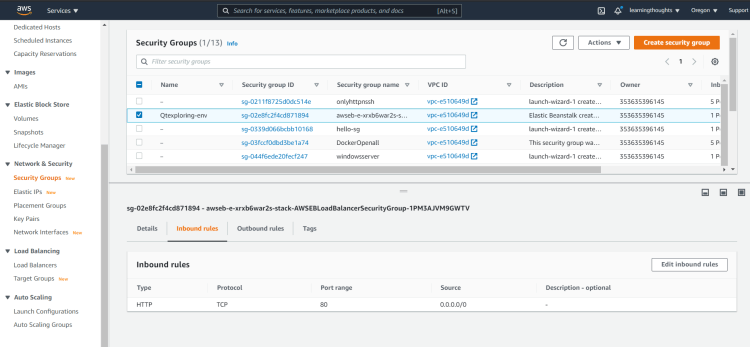
- Instance Security Group:
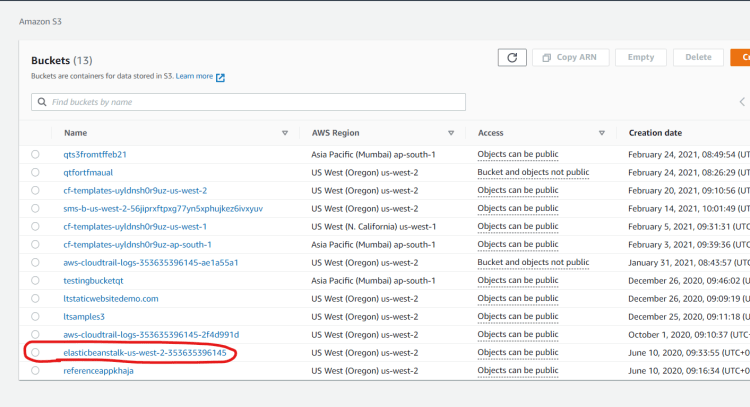
- AWS S3 bucket: To store the source code, logs and other artifacts that are created.
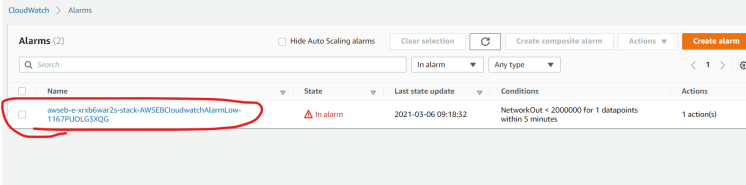
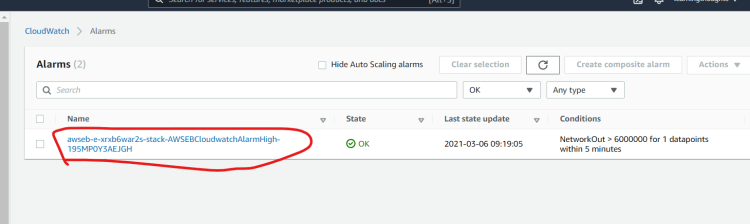
- AWS Cloudwatch alarms
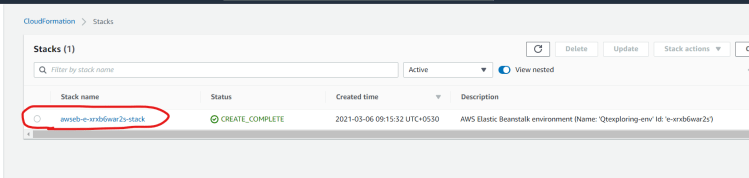
- A Cloudformation stack
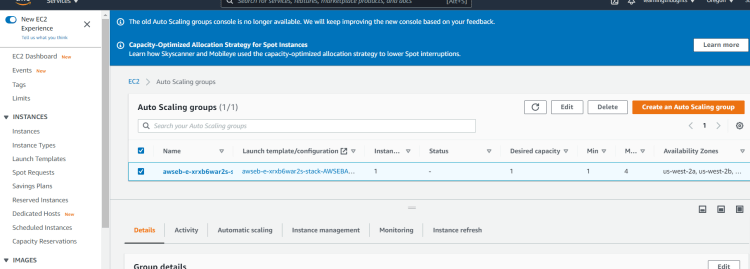
- Autoscaling group
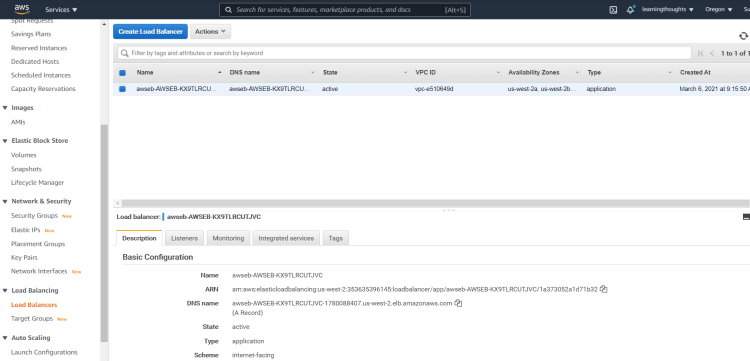
- Loadbalancer:
- EC2 instance: An AWS EC2 instance is configured to run the sample application
- AWS Elastic Beanstalk internally creates aws resources and provides the users the functionality to upload the code, which gets deployed on the ec2 instance.
- Now lets configure what gets created while creating an elastic beanstalk web application
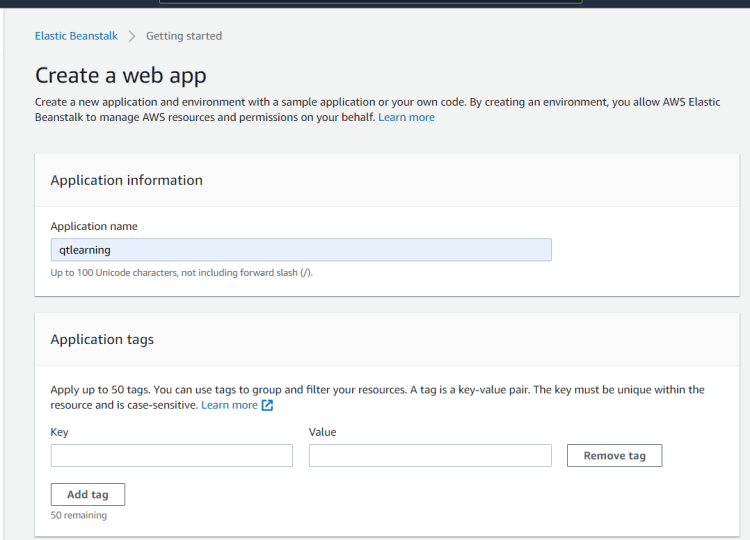
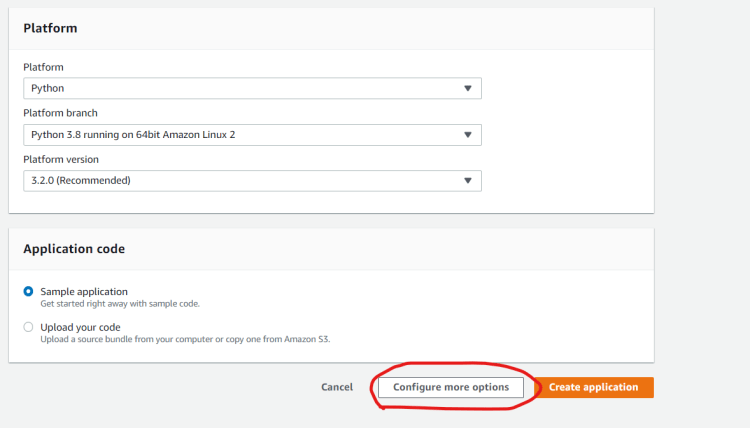
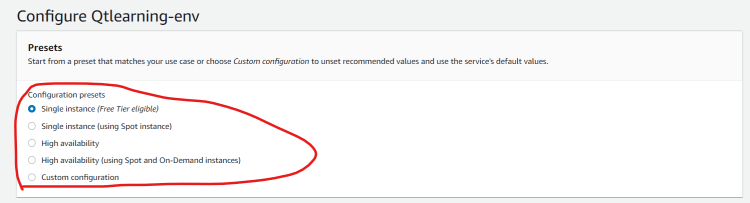
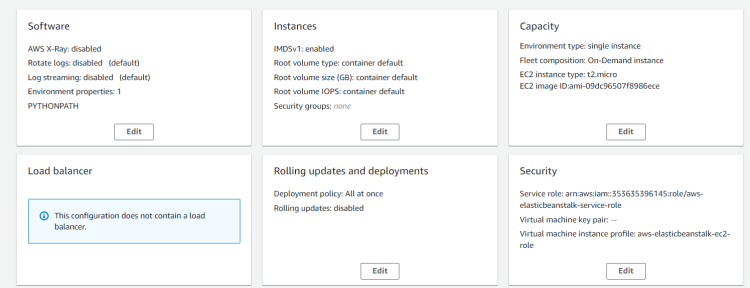
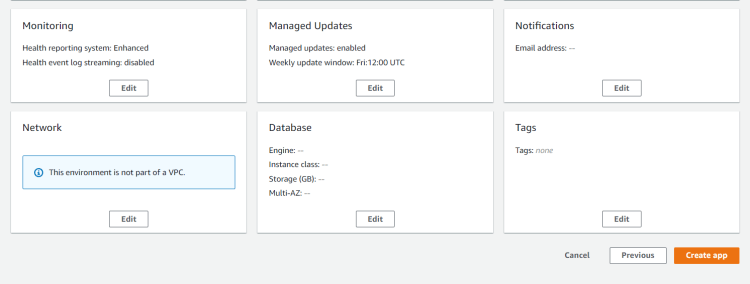
- Elastic Beanstalk internally creates the resources mentioned above and offers the users the functionality to upload the code and deploy it to the ec2 instance and update the other resources
- Elastic Beanstalk workflow
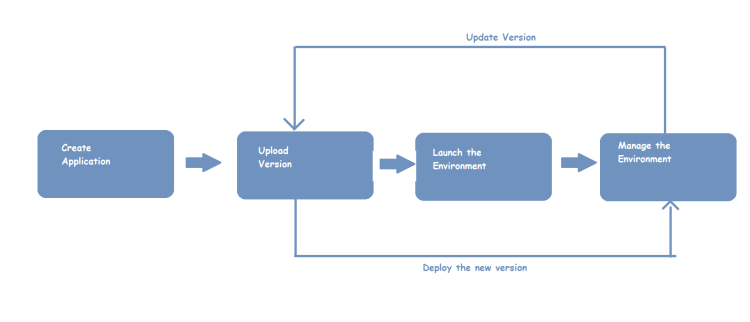


Deploy application to Elastic Beanstalk
- Python Django Refer Here
- Python flask Refer Here
- ASP.NET MVC5 Refer Here
- .Net Core Refer Here
- Java Refer Here


